
In most small dental clinics there are no staff permissions to speak of: everyone can see everything. There is one login, or several logins with identical powers, and the arrangement works because the team is small and trusted. It is worth saying plainly that this usually reflects convenience rather than a decision anyone made.
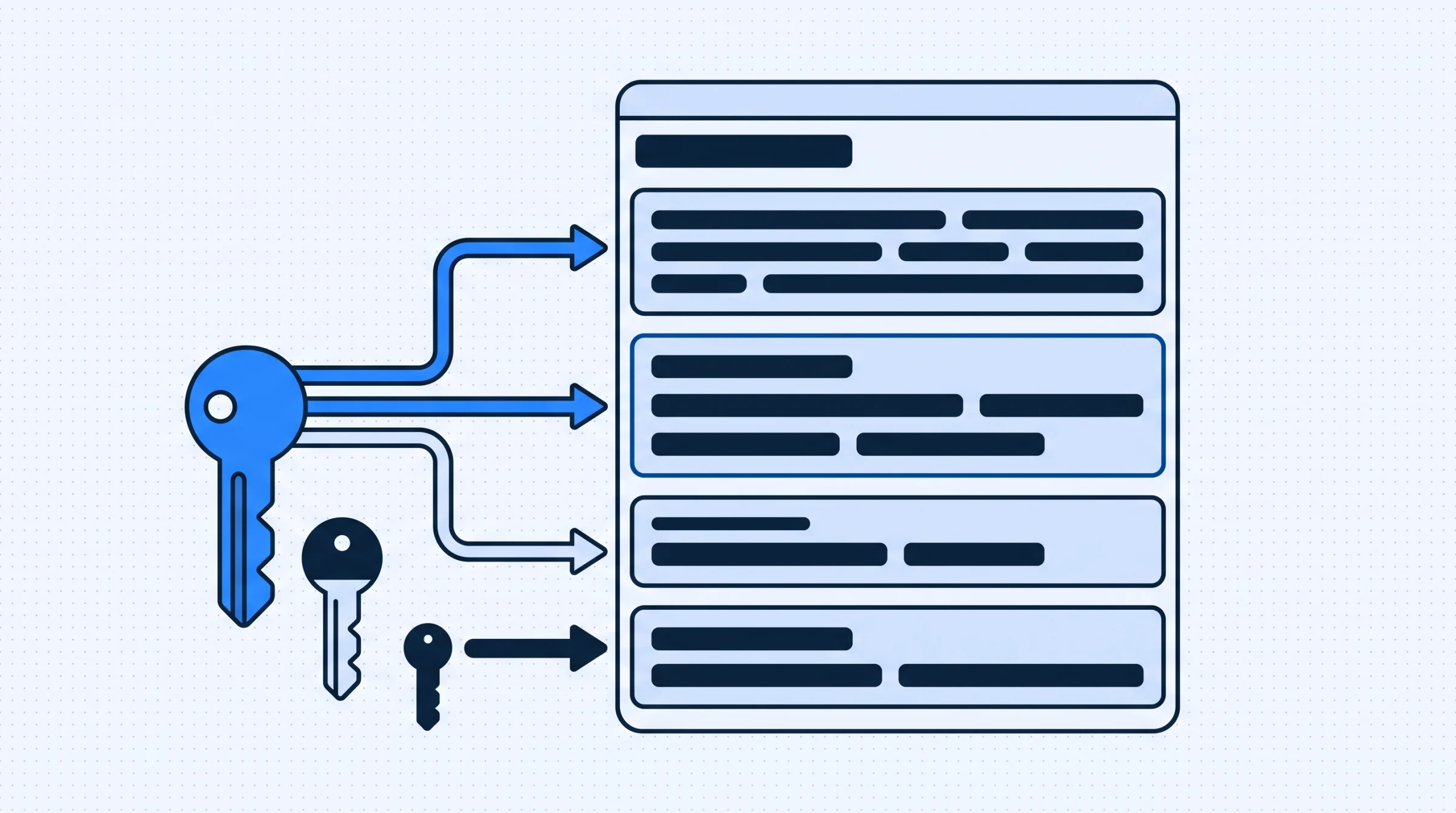
Role based access is the alternative: each person gets an account, each account belongs to a role, and the role determines what can be seen and changed. This covers why that matters in a clinic specifically, how to design roles that survive contact with a busy week, and the mistakes that make people abandon the idea.
Why a shared login stops working
The shared login is not a security failure waiting to happen so much as a set of small operational problems that accumulate.
Nothing can be attributed. When a record is changed, an appointment moved or a payment recorded, there is no way to tell who did it. That matters least for blame and most for asking a question. Somebody entered a treatment plan that looks wrong, and nobody can find out what they intended.
Access does not end when employment does. A shared password known to a departing receptionist is still valid the day after they leave, and changing it means telling everyone, which usually happens late or not at all.
Everybody carries more than they need. A receptionist who can see full clinical notes has not done anything wrong by having that access. They simply hold information they do not require to do their job, which is an avoidable exposure for the clinic and an avoidable burden for them.
Mistakes are easier to make. Most damage to clinic data is accidental, not malicious. Someone deletes a treatment because the screen looked like the one they wanted. Limiting who can delete is less about trust than about reducing the number of ways an ordinary error becomes a real problem.
Designing roles for a dental clinic
Three or four roles cover almost every practice. Resist starting with more, because roles are easy to add and awkward to remove once people are assigned to them.
| Role | Generally needs | Generally does not need |
|---|---|---|
| Administrator | Everything, including settings and user management | Nothing, which is why there should be few |
| Dentist | Full clinical records, treatment plans, their calendar | Clinic settings, other staff accounts, expense entry |
| Receptionist | Contact details, calendar, payments, balances | Full clinical notes, financial reports, configuration |
| Assistant or nurse | The day's list, limited patient context | Payments, reports, record deletion |
The receptionist row is where clinics hesitate, and it deserves thought rather than a default. A receptionist does need to know that a patient has a medical alert, because they may be the person a patient tells something to on arrival. What they do not need is the full clinical history. Systems that treat clinical data as one indivisible block force a choice between too much and too little; the useful arrangement distinguishes an alert flag from the detail behind it.
Administrator count is the number worth watching. Clinics often end up with four or five administrators because it was simpler than deciding, at which point the roles below it are decorative. Two is usually right: the owner and one other, so that a holiday does not lock anyone out.
What should be restricted beyond viewing
Access is usually discussed as who can see what, but the more consequential permissions are about changing and removing.
Deletion is the obvious one. In a clinic record, almost nothing should be truly deleted. A cancelled appointment is information. A treatment entered in error is information about an error. Systems that allow a hard delete to any user lose history that later turns out to have mattered, and the loss is silent.
Editing a saved record is the subtler one. Correcting a typo in a phone number is routine. Changing a clinical note written last month is a different act entirely, and a clinic should decide whether it is allowed, by whom, and whether a trace remains. The answer does not have to be restrictive; it has to be deliberate.
Financial visibility is the one that causes the most awkwardness in small practices, because it touches what staff know about the business. Whether a receptionist can see monthly income totals is a judgement about the clinic's culture, not a security question. What is not a judgement call is whether they can change a recorded payment, which should sit with fewer people than can record one.
Where a system supports admin, dentist, receptionist and custom roles, the ability to define a role of your own matters more than the presets. Clinics have positions the software has never heard of: a practice manager who handles money but no clinical data, a visiting specialist who needs one day's records.
The visiting practitioner problem
Almost every clinic eventually has someone who works there sometimes. A visiting implantologist, an orthodontist who attends monthly, a locum covering leave.
These people get handled badly by default. Often they are given a full dentist account that remains active between visits, or they use someone else's login because setting up an account felt disproportionate for one day.
Neither is necessary. A visiting practitioner needs their own account with the same clinical access as any dentist, and the clinic needs a habit of reviewing accounts periodically rather than a special category of user. A quarterly look at the user list, asking whether each person still works here, takes five minutes and catches exactly this.
Locums are the sharper version of the same issue because the engagement is short and the pressure to improvise is highest. The workable rule is that anybody who records clinical information does so under their own name, without exception, and that creating an account is a five minute task rather than an approval process.
Introducing roles without a revolt
The reason clinics abandon this is rarely technical. It is that restrictions arrive without explanation and feel like an accusation.
Say what it is for, once, plainly. It is not about trust; it is about attribution, about access ending when someone leaves, and about making accidental damage harder. Most staff find those reasons obvious when stated and insulting when left unstated.
Start permissive and tighten. Give everyone slightly more than the eventual target, then reduce over a few weeks as you see what people actually use. The opposite order, starting restrictive, produces a fortnight of interruptions where the owner is asked to unlock things, and that is what makes teams conclude the idea does not work.
Watch for the workaround. If a receptionist regularly needs something their role forbids, they will find a way, usually by asking someone with more access to do it for them. That is a signal the role is wrong, not that the person is. Fix the role.
Agree what happens when someone is away. A clinic where only the owner can issue a refund will issue refunds slowly when the owner is on leave. Either a second person holds that permission or the clinic accepts the delay, but it should be a choice rather than a discovery.
What roles do not solve
It is worth being clear about the limits, because role based access gets sold as a security measure and is really an operational one.
It does not stop someone with legitimate access from misusing what they see. A receptionist who can view contact details can write one down. Roles reduce how many people could do that; they do not prevent it, and no permission model does.
It does not make a clinic compliant with anything by itself. Handling patient information carries obligations that depend on where you practise, and those cover consent, retention and what happens after a breach as much as access. Roles are one control among several rather than the answer.
It does not survive bad habits. A clinic where staff log in as each other because it is quicker has role based access on paper and a shared login in practice. The arrangement only works if individual accounts are genuinely convenient, which is an argument for accounts that stay logged in on a machine at the desk rather than a password prompt every twenty minutes.
What it does reliably deliver is attribution, an end date for access, and a smaller blast radius for ordinary mistakes. Those are worth having on their own terms, and overselling them is how the whole idea loses credibility with a team.
Reviewing it once a year
Permissions drift in one direction. People gain access during an unusual week and keep it. A role acquires a permission to solve a one off problem and nobody removes it afterwards.
An annual review needs three questions. Does every account belong to someone who still works here. Does every person hold the role their job actually requires now, which changes as people take on responsibilities. And is the administrator count still small.
Do it on a fixed date rather than when something prompts it, because the prompt is usually an incident. Ten minutes once a year keeps the arrangement matching the clinic rather than matching the clinic as it was two years ago.
If you want to see how roles, clinical records and the calendar fit together, the overview of what changes day to day covers the practical side, and you can book a demo to map your own positions onto roles before committing to anything.