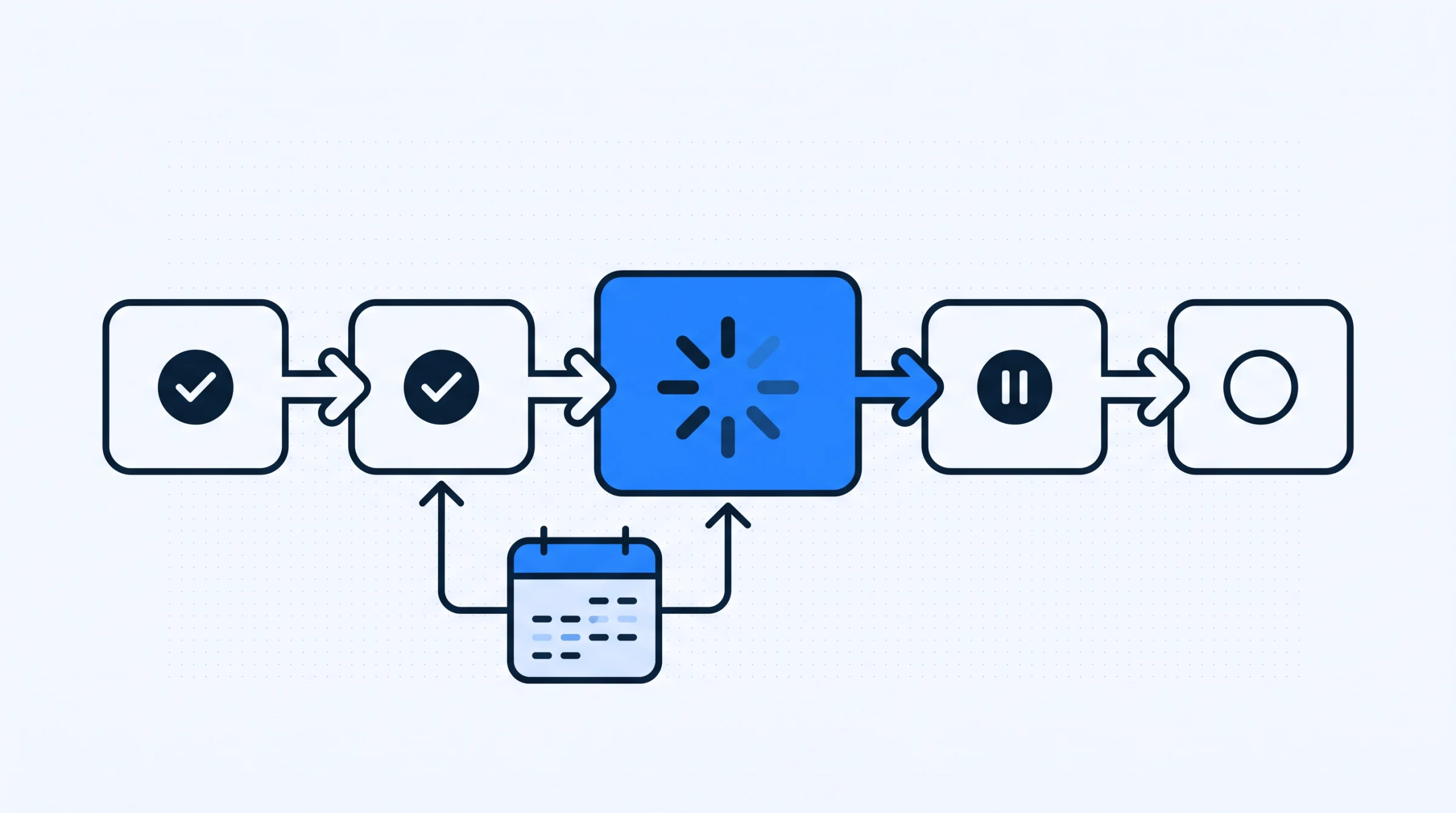

The dental clinic calendar is the screen staff touch most and evaluate least carefully. Buyers compare patient record features in detail, then accept whatever calendar the product happens to include. That is backwards. The front desk lives in this screen all day, and small frictions in it are paid for hundreds of times a week.
This covers how clinic scheduling actually differs from generic calendar software, what to test during a demo, and the operational decisions that matter more than any feature.
Why a clinic calendar is not a generic calendar
Plenty of businesses book appointments. A dental clinic has four constraints that general purpose calendars handle badly.
The resource is a person, not a slot. Patients do not want an appointment at eleven. They want an appointment with their dentist, and they will wait a week for it. A calendar that treats all slots as interchangeable answers a question nobody asked.
Appointment length varies by what is being done. A check up and a root canal are not the same booking. Staff compensate by memorising durations, which works until the person who memorised them is on leave.
Appointments arrive in chains. Dental work is rarely one visit. The second appointment is often decided in the chair and booked at the desk minutes later, while the patient is standing there. Anything that makes this slow shows up immediately in the waiting room.
The person booking is being interrupted. Front desk scheduling happens between a ringing phone and a patient wanting to pay. This is the single biggest difference from software used at a desk in quiet conditions, and it is why click count matters more than feature count.
What to test in a demo
Demonstrations show the calendar in ideal conditions: one user, no interruptions, a clean week. Test the awkward cases instead.
| Scenario | What you are checking | Bad sign |
|---|---|---|
| Book a follow up from inside a patient record | Whether the record and calendar are one system | You have to leave the patient and search for them again |
| Find the next free slot with a specific dentist | Filtering by practitioner | You scan the week visually |
| Move an appointment two weeks later | Rescheduling cost | Cancel and rebook, losing the history |
| Book a patient who is not in the system yet | Whether intake blocks booking | You must complete a full record first |
| See only one dentist's day | Views that match how staff work | Only an all practitioner view exists |
| Check what a patient owes while booking | Whether money and calendar meet | Balance lives in another module |
Each row is a sequence the desk performs daily, not a capability in the abstract. Ask to see them in order, on the vendor's system, with the person demonstrating using the mouse rather than describing what would happen. The difference between a two click and a six click reschedule is invisible in a feature list and obvious after ten minutes of watching.
The fourth row catches a surprising number of products. A patient phoning to book has not filled in a medical history, and insisting on a complete record before a booking can exist pushes staff to write the appointment on paper and enter it later, which is where appointments get lost.
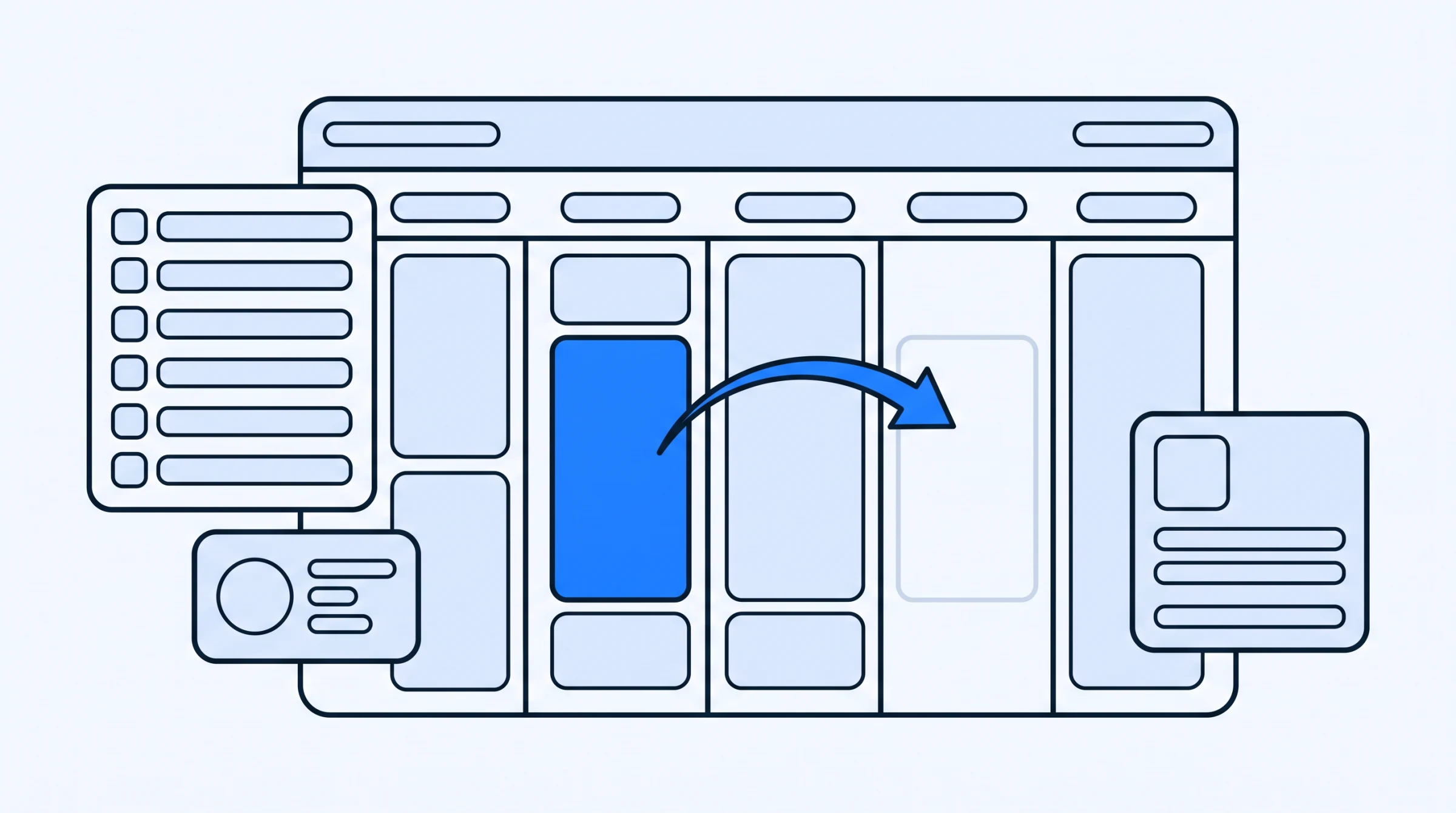
Day, week and month views sound like presentation options. They are not. The day view is what the desk works from, the week view is what answers "when can you see me", and the month view is what the owner looks at to judge whether the clinic is busy. Systems that offer calendar views with filters by doctor, patient or appointment type cover all three audiences without anyone exporting anything.
Reminders, and what they are actually made of
Automated reminders are sold as a feature and behave like a data quality problem.
A reminder is a message sent to a contact detail captured at some earlier point, usually by whoever was on the desk, often under interruption. If the number is wrong the reminder does not fail loudly. It simply goes nowhere, and the clinic learns about it when the chair sits empty. This is the practical argument for treating phone number accuracy as clinical data rather than administrative detail, and for making the contact field easy to correct at any visit rather than only at registration.
Two design questions are worth asking. Can a patient be marked as not wanting reminders, and is that respected everywhere? And what happens when an appointment is moved after the reminder went out? Systems that send a second message without acknowledging the first produce confused patients, which costs more desk time than the reminder saved.
Reminders also change what the desk does rather than removing work. Confirmations arrive, and somebody has to act on them. Decide in advance who reads the replies, because a reminder system nobody monitors is a broadcast rather than a conversation.
What the calendar tells you about the clinic
A calendar is a record of what the clinic did, not just a plan of what it intends to do. Once a few months of bookings exist, it answers questions that are otherwise guesswork.
Which days fill first, and which sit half empty. Whether one dentist is booked out three weeks ahead while another has gaps, which is usually a patient preference rather than a capacity problem and calls for a different response. How often appointments get moved, and by whom. Whether the gap between a treatment and its follow up is what the clinic thinks it is.
None of this requires a reporting module. It requires that the calendar keeps its history instead of overwriting it. That is why the rescheduling test in the table above matters beyond convenience: a system that cancels and rebooks rather than moving loses the trail, and with it any chance of seeing the pattern later.
Month view is where this becomes visible to an owner who is not at the desk daily. A clinic that looks busy at the desk and sparse in month view is usually busy with short appointments, which is worth knowing before hiring.
Decisions that matter more than features
Most scheduling problems in clinics are policy problems wearing a technical costume. Four are worth settling before you configure anything.
- Who is allowed to move an appointment? If anyone can, the calendar stops being a shared record of truth. If only one person can, that person becomes a bottleneck when they are at lunch.
- How far ahead do you book? A six month recall booked today is a promise the clinic may not be able to keep if a dentist's availability changes.
- What happens to a no show in the record? If it is deleted, you lose the pattern. If it stays, someone has to be able to see it while booking.
- Do you hold slots for emergencies? Clinics that do not tend to run late all day; clinics that hold too many run empty.
Software cannot settle any of these, but it can make the decision visible. Role based permissions turn "who may reschedule" from a convention into a rule, which is worth doing precisely because conventions travel badly between staff.
Booking and the rest of the clinic
The calendar touches two other areas, and the joins are where time is lost.
The first is the patient record. A follow up booked in the chair should be created from the record that is already open. If the desk has to search for the patient a second time, the clinic pays a small tax on every multi visit treatment, which is most of them. Keeping the patient record and the calendar in one system removes that step rather than making it faster.
The second is money. A receptionist checking someone in is the last person who will speak to that patient before they leave. If they cannot see an outstanding balance at that moment, the conversation moves to a phone call a week later, or does not happen. This is a scheduling decision as much as a billing one, because the moment of contact is the appointment.
Rolling out a new calendar
Calendars are the hardest part of a system change, because unlike patient records they cannot be migrated gradually. On the day you switch, everyone has to be looking at the same one.
The approach that works is to pick a cutover date, enter all appointments already booked beyond that date into the new system, and keep the old book visible but read only for a few weeks. Staff will check it. Let them. Trust arrives faster when the old record is available and turns out to agree.
Enter future appointments yourself or with one person, not as a shared task. Duplicate entries created by two people working the same list are harder to find than missing ones, because nothing looks wrong.
Tell patients nothing. A calendar change is invisible from outside the clinic if it goes well, and announcing it only creates questions staff have to field while learning the system themselves.
Set up practitioner working hours and appointment types before go live rather than during it. A calendar configured while the waiting room is full acquires whatever settings were quickest at the time, and those tend to survive for years.
If you want to see how booking, records and reminders sit together in one place, the scheduling overview walks through it, and you can book a demo and put the six scenarios in the table above in front of it.