
Choosing patient intake software for dental clinics is usually framed as a paperwork problem. It is not. Intake is the point where a stranger becomes a patient record, and almost every downstream mistake in a clinic can be traced back to something that went wrong, or never got captured, in those first few minutes at the front desk.
This guide covers what intake actually involves in a working dental practice, where the common approaches fall apart, and what to check before you commit to a system. It assumes you run or manage a clinic rather than an IT department.
What patient intake actually covers
Intake is not one form. In most clinics it is four separate jobs that happen to occur around the same time.
- Identity and contact details. Name, phone, address, date of birth. The part everyone thinks of, and the smallest part.
- Medical history. Conditions, allergies, current medication, previous dental work. This is clinical data, and it carries real consequences if it is wrong or missing.
- Consent and administrative records. Treatment consent, billing preferences, how the patient wants to be contacted.
- The first clinical context. Why they came in today. What the dentist needs to know before walking into the operatory.
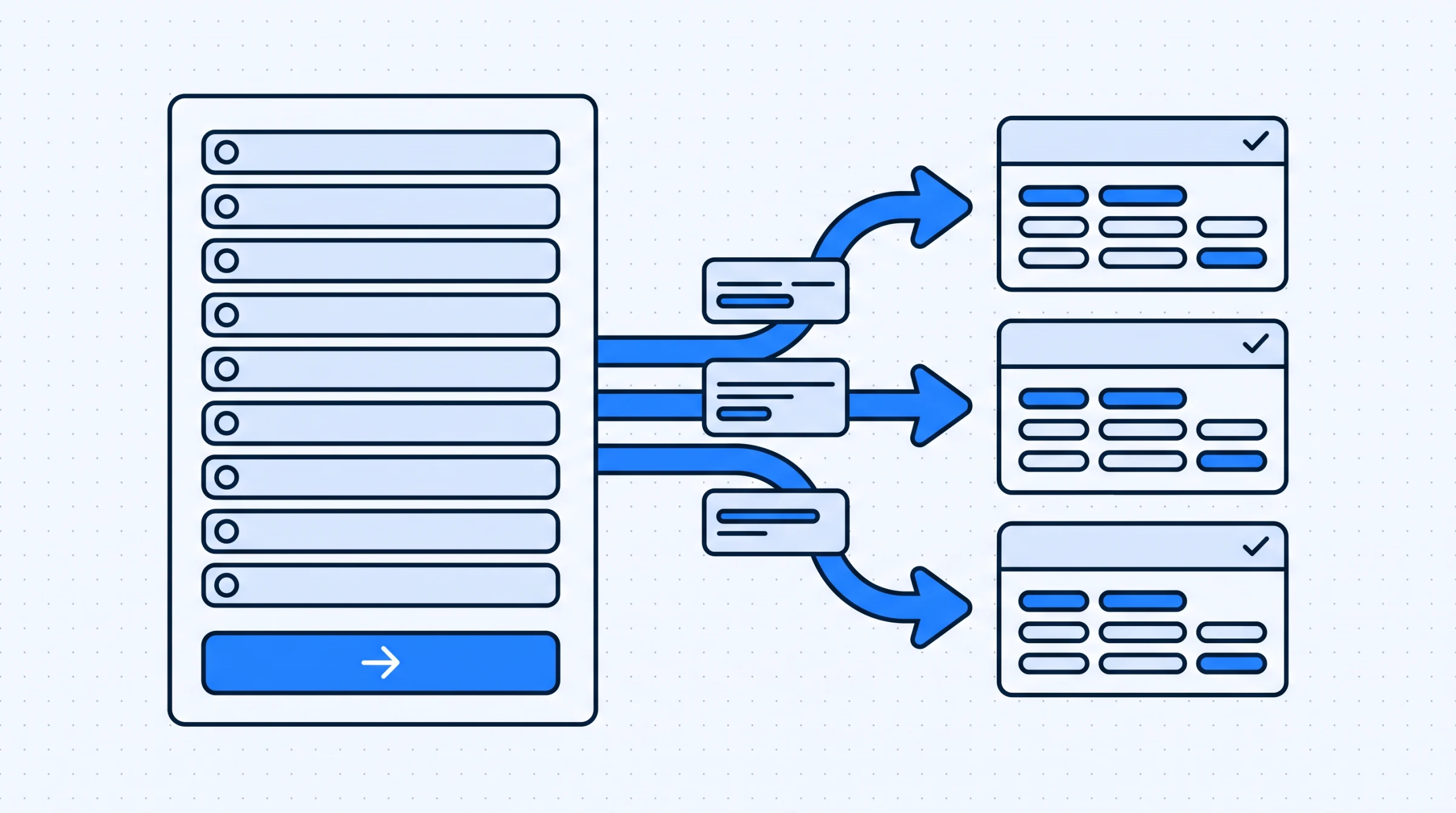
Those four jobs have different owners. The receptionist collects the first and third. The patient supplies the second. The dentist uses the second and fourth. A system that treats intake as a single form handed to a patient on a clipboard will serve one of those four well and the rest badly.
Where paper and spreadsheet intake breaks down
Most clinics do not move off paper because the paper stopped working. They move because a specific failure became too expensive to keep absorbing.
The record exists but nobody can find it. A patient returns after eighteen months. Their file is in a cabinet, or in a folder on one machine, or in a spreadsheet a former receptionist maintained. The appointment runs long while somebody looks. This is the most common failure and the least dramatic, which is why it gets tolerated for years.
Medical history is captured once and never revisited. Paper intake tends to be a new-patient ritual. The form is filled in on the first visit and filed. Two years later the patient is on new medication and nobody has asked. The form was never wrong. It just stopped being current, and there was no moment in the workflow that forced a check.
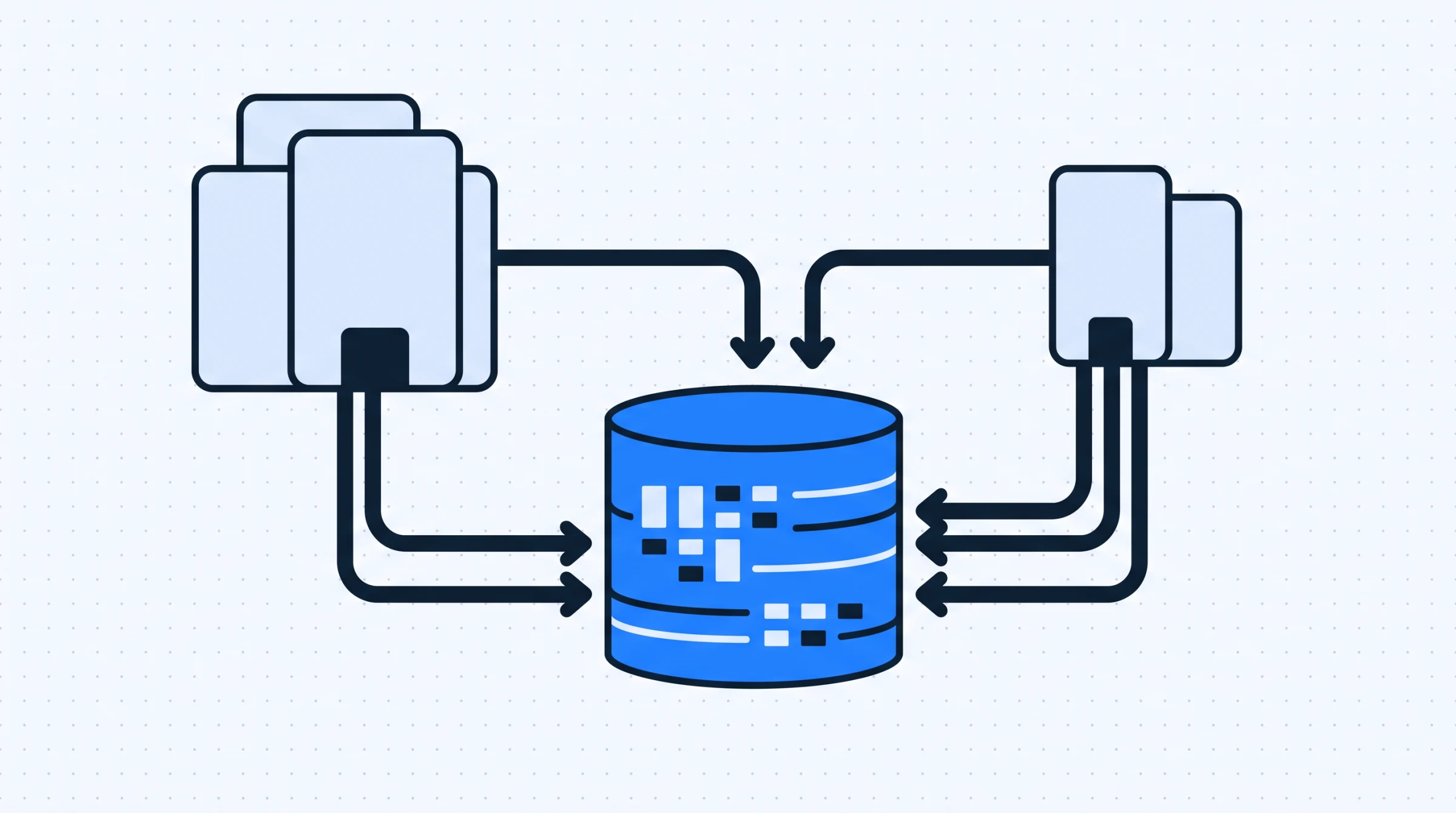
The same data is entered more than once. The patient writes their details on a form. Someone types them into a billing spreadsheet. Someone else writes them into an appointment book. Each copy can drift from the others, and when they disagree, there is no rule for which one wins.
Only one person knows how it works. Paper and spreadsheet systems accumulate conventions rather than rules. Which drawer, which colour tab, which column means what. That knowledge sits with whoever built it. Practices discover this during a resignation, not before.
Software does not automatically fix any of these. It fixes them only if the record is searchable, if history is attached to the patient rather than to a visit, and if there is one place the data lives. Those are the things to test for.
What to look for in patient intake software
The feature lists of clinic systems look similar. The differences show up in how the data behaves after intake is over.
| What to check | Why it matters at the front desk | What to ask the vendor |
|---|---|---|
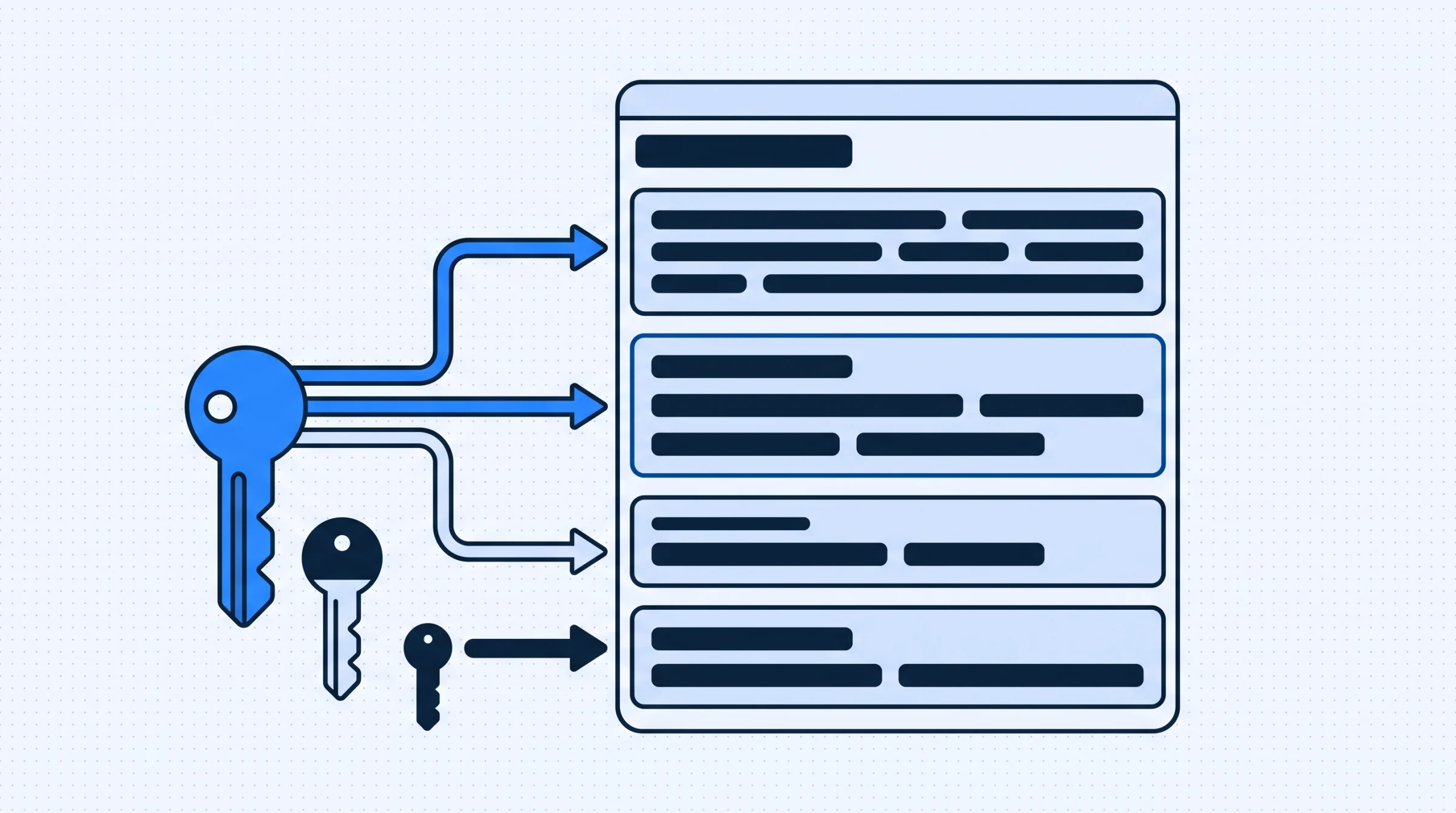
| Searchable patient records | A returning patient should be found in seconds, by whoever is on the desk that day | Show me finding a patient by partial name and by phone number |
| Medical history attached to the patient | History has to survive across visits, not live inside one appointment note | Where does a condition recorded two years ago appear today? |
| Treatment plans in the same record | The dentist should see what was planned, not reconstruct it from notes | Can I see plan, history and payments on one screen? |
| Payment history beside clinical history | Outstanding balances surface at the desk, before the patient leaves | What does the receptionist see when a patient with a balance checks in? |
| Role based access | A receptionist needs contact details, not full clinical notes | What exactly can each role see, and can I define a new one? |
| Configurable without a developer | Treatment names and payment modes differ by clinic and change over time | Can I add a treatment type myself, today, without raising a ticket? |
| Intake connected to the calendar | A new record with no next appointment is an incomplete intake | Show me booking the follow up from inside the patient record |
The last column matters more than the first. Every vendor will confirm they have a feature. Fewer will show you the specific sequence your desk performs twenty times a day. Ask for the demonstration, not the confirmation.
In Denti360 these sit together deliberately: patient profiles hold medical history, treatment plans and payment history in one searchable record, rather than splitting clinical and financial data into systems that have to be reconciled later.
How intake connects to scheduling and billing
Intake is judged by what happens after it. A record that is complete and then isolated has not solved much.
The connection to scheduling is the obvious one. The moment a patient record is created is also the moment a first or follow up appointment should be booked. If those are two systems, somebody has to remember to do the second thing, and eventually somebody will not. Calendar views by day, week and month, with filters by doctor or appointment type, let the desk answer the patient's real question, which is not "when are you free" but "when is my dentist free".
Automated reminders belong to this same chain. A reminder is only as good as the contact details captured at intake, which is a practical argument for treating phone number accuracy as clinical data rather than administrative detail. If you want to see how the booking side behaves, the appointment scheduling workflow is worth walking through with the same scepticism you applied to intake.
The connection to billing is less obvious and causes more friction. Payment history that lives in a separate ledger means the receptionist checking a patient in has no idea there is an outstanding balance. The conversation that should have happened at the desk now happens by phone a week later, or not at all. Keeping payment history on the patient record is not an accounting decision. It is an intake decision.
Questions to ask before you commit
A demo will show you the system working as intended. These questions tend to reveal how it behaves the rest of the time.
- What happens when two receptionists open the same patient at once? Concurrency is where quiet data loss lives.
- Can I correct a record after it is saved, and is there a trace? Intake data is entered under time pressure. Mistakes are normal. Silent overwrites are not.
- What does a partially completed intake look like? Patients get called in before finishing forms. The system should hold an incomplete record rather than discard it.
- How do I add a treatment type or payment mode? If the answer involves the vendor, you will stop doing it.
- What can a new receptionist do on day one without training? Turnover at the front desk is a fact of clinic life.
- How do I get my data out? Ask before you are unhappy, not after.
Question five deserves weight. Intake software is operated mostly by whoever is newest on the team. A system that requires institutional memory has reproduced the problem you left paper to escape.
Rolling it out without disrupting the desk
The migration is where good software decisions go wrong. Two approaches work in practice.
Start with new patients only. Every new patient from a chosen date is created in the new system. Existing patients move across as they return. After a year most active patients have migrated, and you never ran a bulk import of records nobody verified. The cost is a period of checking two places, which is real but bounded.
Migrate the active list, archive the rest. Identify patients seen in the last eighteen months and move those deliberately, checking as you go. Older records stay accessible in their current form. This front loads the work but ends the dual lookup sooner.
What does not work is importing everything at once without verification. Bad data moved faster is still bad data, and it arrives with the authority of a new system.
Decide who owns configuration before go live. Treatment names, payment modes and role definitions should be set by one person who understands the clinic, not assembled by whoever happens to hit a missing option first. Getting role definitions right early is easier than untangling permissions after three months of use.
Where to start
If you are evaluating patient intake software for dental clinics right now, the useful first step is not a feature comparison. It is writing down the five sequences your front desk performs most often, then asking each vendor to show you those five, in order, on their system.
Most intake problems are not caused by a missing feature. They are caused by a record that is hard to find, a history that is not current, or data that lives in three places and disagrees with itself. Test for those.
Denti360 approaches this by keeping the patient record as the single place clinical and financial history live together. You can see how patient management works in practice, and if you want to put your own five sequences in front of it, book a demo and bring them with you.