
How Advanced Scheduling Software Tames Emergency Dental Visits
Dental scheduling software is the difference between an emergency that derails your day and one your team absorbs without missing a beat. Sudden toothaches, broken restorations, and traumatic injuries demand immediate attention, yet squeezing them into a full schedule fuels long wait times, staff stress, and falling patient satisfaction. The fix is an intelligent, proactive system that adapts to the unpredictable while protecting daily operations. Denti360 understands these pressures and champions the technology that empowers dental professionals to handle urgent care without chaos.
This guide explores how advanced dental scheduling software transforms emergency visits, ensuring patients receive timely, high-quality care while your carefully built schedule holds. We will cover the specific features and implementation steps that streamline patient flow, sharpen communication, and improve the emergency experience for patients and providers alike.
Understanding the Challenges of Emergency Dental Management
Before the solutions, it helps to name the difficulties inherent in emergency care:
- Unpredictability: Emergencies are unplanned and can arise at any moment, forcing practices to fit them into an already full schedule.
- Disruption to scheduled appointments: Accommodating an emergency often means shifting or delaying existing appointments, leading to dissatisfaction and operational chaos.
- Staff overwhelm: Clinical and administrative teams can become overwhelmed juggling scheduled patients, walk-ins, and urgent calls, hurting care quality and morale.
- Resource allocation issues: Ensuring the right practitioner, operatory, and equipment are available at a moment's notice is challenging.
- Communication gaps: Inefficient communication between front desk, hygienists, and dentists delays assessment and treatment.
- Patient anxiety: Patients in pain are anxious, and long waits or a chaotic environment make their distress worse.
These challenges demand a system that injects order into the chaos, which is exactly what advanced dental scheduling software provides.
The Role of Advanced Dental Scheduling Software in Emergency Care
Modern scheduling software goes far beyond simple booking. It combines sophisticated algorithms, real-time data, and communication tools to optimize practice management, especially during emergencies.
1. Real-time Schedule Visibility and Dynamic Adjustment
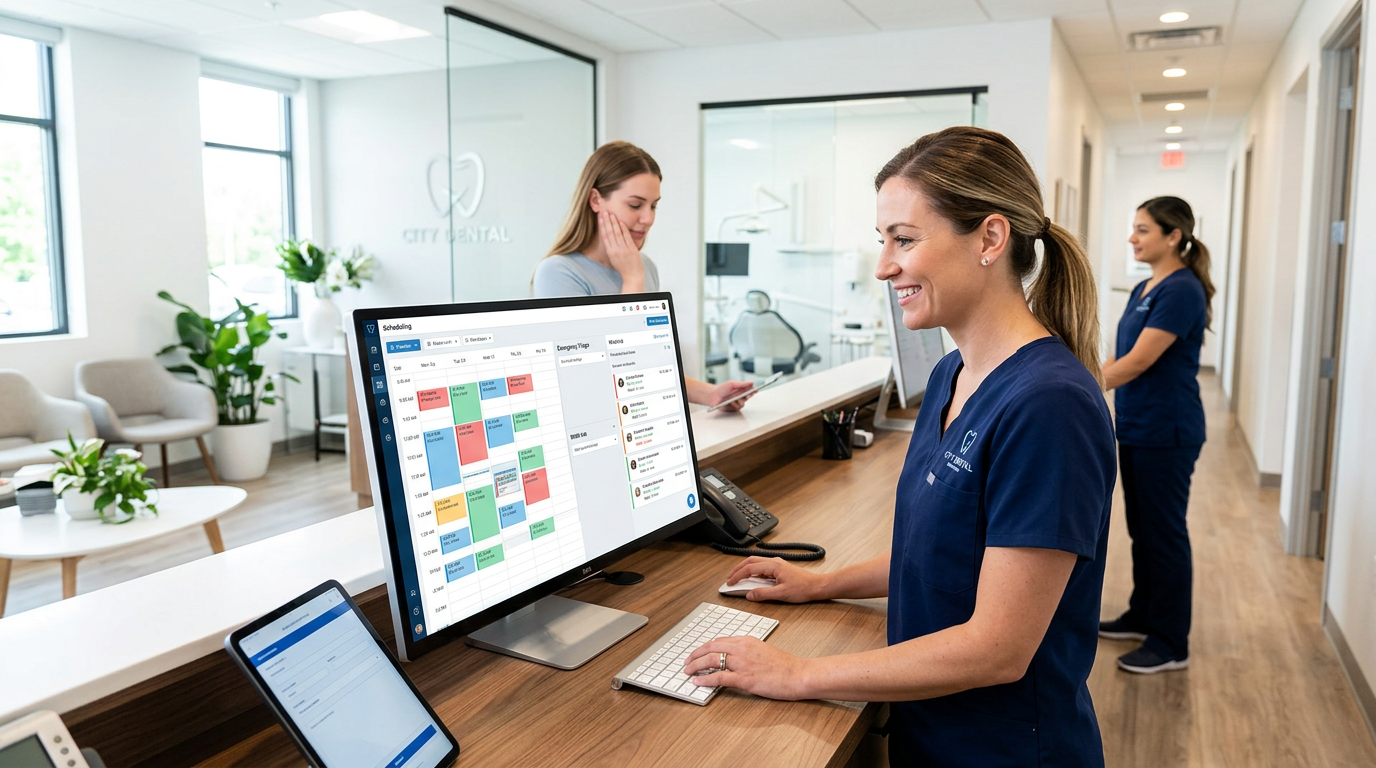
A standout feature is a complete, real-time view of the schedule, letting front desk staff find slots for emergency patients without overbooking or major disruption. Key functionality includes:
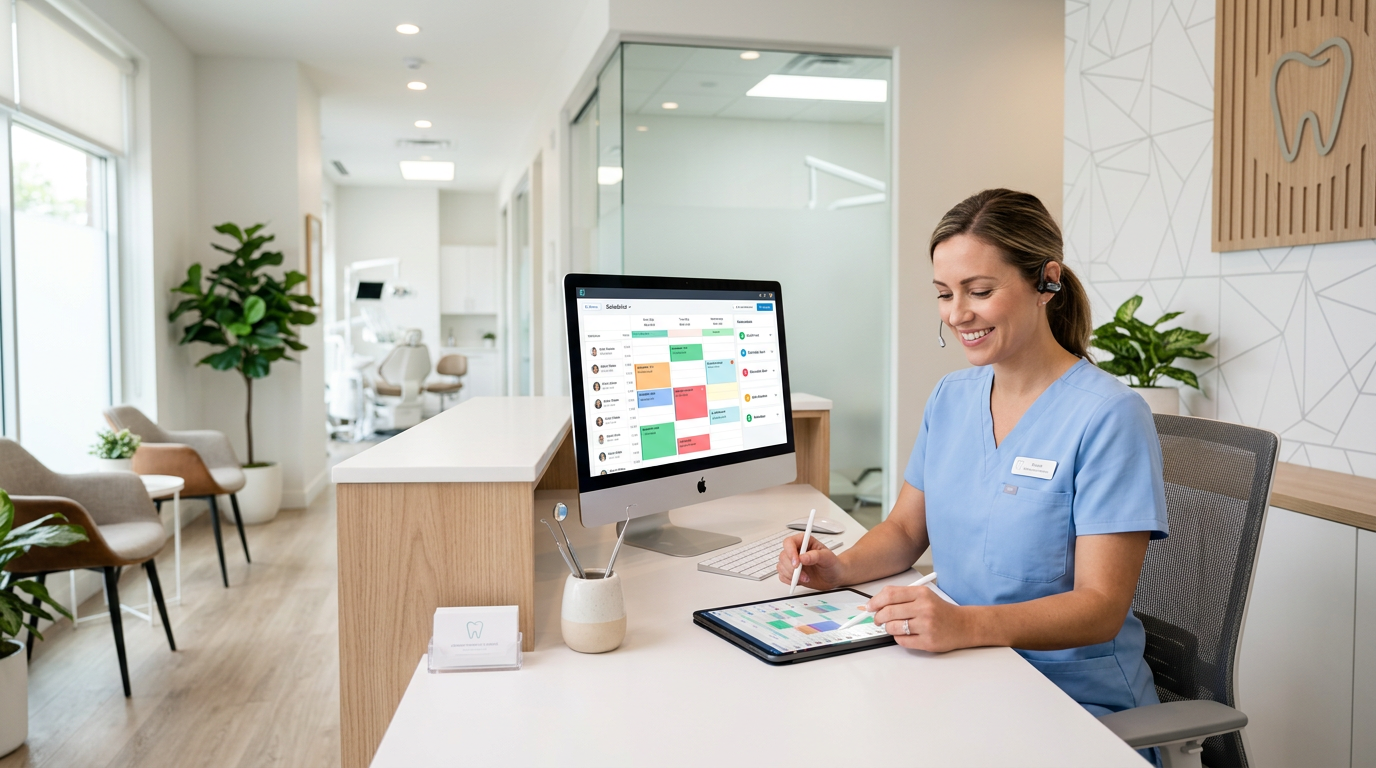
- Color-coded appointment types: Visually distinguish routine check-ups, restorative procedures, and emergency slots to scan for openings fast.
- Drag-and-drop functionality: Move existing appointments when truly necessary, with automated alerts to affected patients.
- Buffer times and emergency slots: Reserve specific blocks each day or week for emergencies; if unused, release them for routine appointments to maximize efficiency.
- AI-powered slot suggestion: Some systems use AI to suggest the optimal slot based on practitioner availability, operatory capacity, and case urgency.
This kind of smart appointment scheduling keeps the day flexible without sacrificing structure.
2. Intelligent Patient Triage and Prioritization
Not all emergencies are equal: a broken crown is urgent but rarely as immediate as an avulsed tooth. Advanced software supports quick preliminary triage:
- Customizable triage forms: Send digital intake forms to emergency callers to gather symptoms, pain level, and nature of the emergency before they arrive, helping prioritize cases.
- Automated urgency scoring: Assign an urgency score from submitted information to determine whether a patient needs to be seen within minutes, hours, or via an initial telehealth consultation.
- Integration with communication platforms: Enable rapid communication with the dentist for assessment based on triage data, allowing preliminary advice or preparation before arrival.
3. Enhanced Communication and Patient Management
Effective communication is paramount in emergencies, and advanced software supports it on multiple fronts:
- Automated emergency intake: When a patient calls, the system captures details, creates a provisional appointment, and sends automated instructions (e.g., "Please arrive 15 minutes early").
- Two-way SMS and email communication: Keep emergency patients updated on status, wait times, and pre-arrival information, and notify patients automatically when an existing appointment must move.
- Internal messaging systems: Coordinate seamlessly between front desk, clinical assistants, and dentists about the incoming emergency and anticipated needs.
- Telehealth integration: For certain non-life-threatening emergencies, schedule a quick virtual consultation so the dentist can assess the situation, offer advice, or decide whether an in-person visit is truly necessary, saving time for everyone.
4. Optimized Resource Allocation
Beyond scheduling patients, advanced software manages physical and human resources:
- Operatory management: Track operatory availability in real time to ensure a clean, ready space for the emergency patient.
- Provider availability: Clearly display which dentists or specialists are available, their skills, and their current workload.
- Equipment tracking: Integration with inventory systems can alert staff when specific emergency equipment (e.g., for endodontic emergencies) is in use or needs preparation.
5. Pre-arrival Information and Digital Forms
Reducing administrative burden on arrival matters for distressed patients:
- Online patient portal: Let emergency patients complete medical history, consent forms, and insurance information digitally before arrival.
- Automated reminders and instructions: Send pre-appointment instructions by SMS or email, such as "Do not eat or drink anything if possible" for certain procedures, or "Bring your insurance card."
Implementing Advanced Scheduling Software for Emergency Flow: A Step-by-Step Guide
Adopting and maximizing scheduling software for emergency patient flow takes a strategic approach:
Step 1: Assess Current Emergency Protocols and Pain Points
Evaluate your existing emergency system first. Identify bottlenecks, common delays, and sources of staff stress so you can configure the software effectively.
Step 2: Choose the Right Denti360 Solution
Not all scheduling software is equal. Choose a solution like Denti360's that addresses the complexities of dental practices and emergency care. Prioritize:
- Real-time scheduling and dynamic adjustment.
- Robust communication tools (SMS, email, internal chat).
- Customizable patient intake and triage forms.
- Integration with existing practice management software (PMS), imaging systems, and EHR.
- Telehealth functionality.
- Reporting and analytics for continuous improvement.
- A user-friendly interface for all staff.
Explore the full platform features to confirm the fit before you commit.
Step 3: Configure Emergency Protocols within the Software
Work with your Denti360 representative to configure the software to your emergency workflow:
- Dedicated emergency slots: Define how many slots to hold daily or weekly, when they release, and which providers cover them.
- Triage workflow: Customize digital triage forms and set clear prioritization rules (e.g., pain level 8+ gets automatic priority).
- Communication templates: Build standardized templates for emergency intake, pre-arrival instructions, and follow-up.
- Role-based access: Ensure administrative staff manage scheduling while clinicians access relevant patient information and communication tools. Thoughtful role-based access controls keep the right tools in the right hands.
Step 4: Comprehensive Staff Training
The most advanced software is only as good as the people using it. Train all staff (front desk, dental assistants, hygienists, and dentists) on:
- How to identify and log an emergency.
- Using triage forms and prioritizing patients.
- Navigating the scheduling interface to find or create emergency slots.
- Using communication tools for patient updates and internal coordination.
- Leveraging reporting features to analyze emergency flow data.
Step 5: Educate Patients on Emergency Procedures
Inform patients about your streamlined emergency process. Update your website, add in-office signage, and use social media to explain how to contact your office for urgent care and what to expect. Proactive communication reduces anxiety and guides patients through the more efficient system.
Step 6: Monitor, Analyze, and Refine
After implementation, continuously monitor emergency patient flow using your Denti360 software's reporting and analytics. Track:
- Average wait times for emergency patients.
- Number of rescheduled routine appointments due to emergencies.
- Time spent on emergency intake versus actual treatment.
- Patient feedback on emergency care.
Use these insights to refine protocols and configurations. You may need more dedicated emergency slots on certain days, or a communication template may need rework. Continuous improvement keeps efficiency high.
Benefits Beyond Efficiency: The Ripple Effect
Streamlining emergency visits with advanced scheduling software delivers benefits well beyond managing appointments:
- Improved patient experience: Shorter waits, clear communication, and organized flow reduce anxiety and raise satisfaction, building loyalty and positive reviews.
- Enhanced staff morale: A predictable, organized system reduces stress and burnout so staff can focus on care.
- Increased productivity and revenue: Efficient scheduling minimizes downtime, maximizes operatory utilization, and lets practitioners focus on patients, potentially increasing volume and procedures performed.
- Better clinical outcomes: Timely intervention in dental emergencies often leads to better prognoses and fewer complications.
- Data-driven decision making: Analytics offer valuable insight into operations, surfacing trends and strategic opportunities.
- Competitive advantage: Practices that manage emergencies well stand out; patients remember who was there when they needed it most.
- Compliance and risk reduction: A documented, systematic approach supports regulatory compliance and reduces errors or missed appointments.
By harnessing advanced dental scheduling software, Denti360 helps practices turn a traditionally stressful part of dentistry into a testament to their commitment to patient care and operational excellence. This is about elevating the entire patient journey and staying ready to provide the best care even when the unexpected happens.
Make Emergency Dental Management Digital with Denti360
Relying on outdated, manual scheduling for emergencies is no longer sustainable. The demand for immediate, high-quality care alongside operational efficiency requires a sophisticated approach, and advanced dental scheduling software is a critical investment in your practice's resilience and success. With the features championed by Denti360, from real-time dynamic scheduling and intelligent triage to seamless communication and resource optimization, your practice gains a calmer, more efficient office, empowered staff, and patients who receive prompt, compassionate care when they need it most. As we look toward 2025 and beyond, this digital transformation is a necessity, not an option. Reach out to Denti360 to streamline how your practice handles emergencies.