
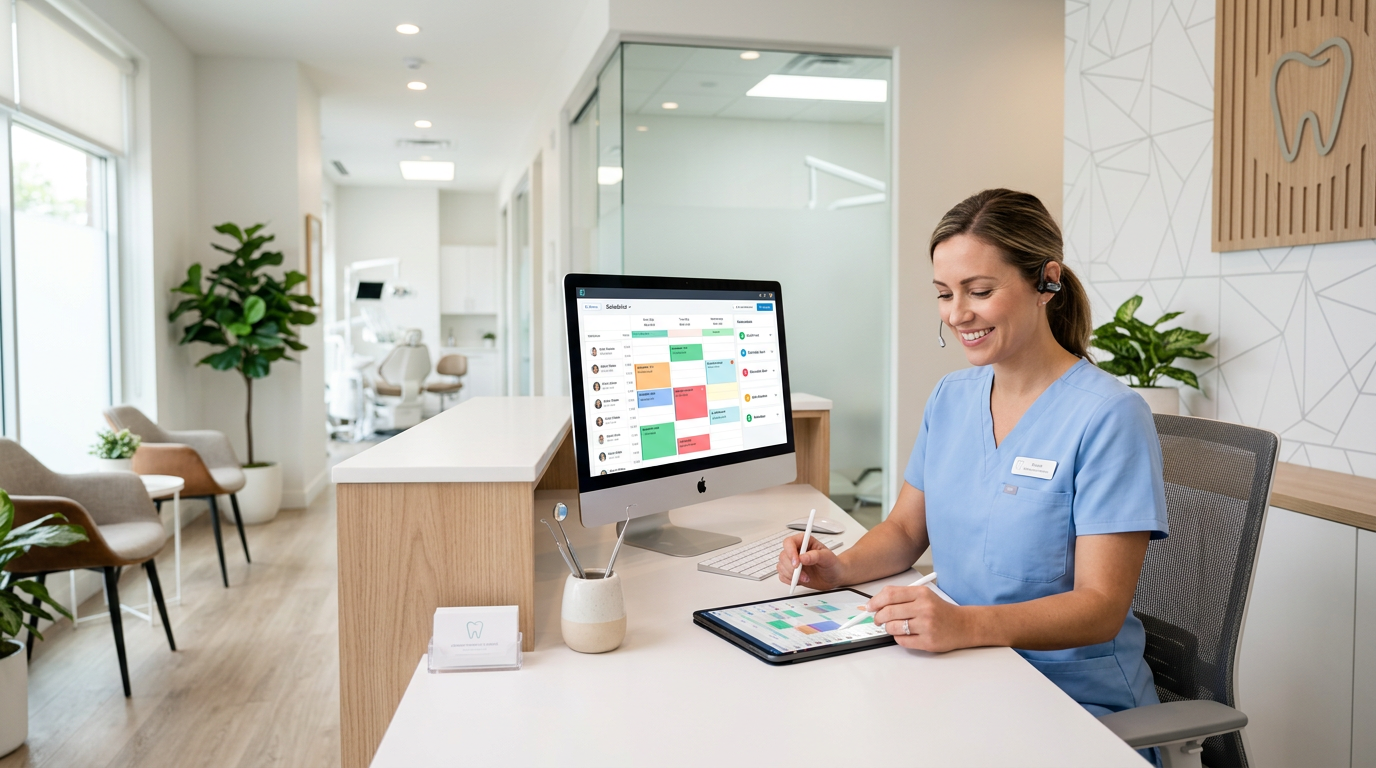
Reduce Dental Cleaning No-Shows with Automated Scheduling Software
Dental no-shows for cleanings are a persistent drain on practices everywhere, and beyond the lost revenue from a single empty slot, the ripple effects reach far. They disrupt carefully planned schedules, create staff allocation inefficiencies, reduce productivity, and delay the preventive care that protects patient oral health. For a thriving practice like Denti360, a consistent flow of appointments, especially routine cleanings, is essential to both financial stability and a commitment to proactive patient wellness.
Traditionally, offices have relied on phone calls, postcards, and physical reminder cards to fight no-shows. These methods yield some results but are time-consuming, error-prone, and out of step with today's digitally-savvy patients. The administrative burden of chasing confirmations pulls valuable time and resources away from patient care and growth initiatives.
This guide explores how modern automated scheduling software is the most potent weapon against dental cleaning no-shows. We examine how these solutions streamline communication, enhance patient engagement, and build a more reliable appointment system, so practices can transform operations, improve compliance, and secure a more predictable future.
Understanding the Impact of No-Shows on Dental Practices
Before exploring solutions, it is crucial to grasp the full impact of cleaning no-shows, which reaches well beyond an empty chair and a lost fee:
- Revenue loss: The most immediate impact. Each missed cleaning means lost income for the hygienist, the dentist (for potential follow-up identification), and the practice. Over a year, these losses accumulate into substantial figures affecting profitability and growth.
- Operational inefficiencies: An unexpected gap means downtime and underutilized staff, throwing off the day's rhythm and affecting subsequent appointments and morale.
- Reduced patient access: A no-show slot could have served another patient needing care, contributing to longer wait times and diminishing the practice's ability to serve its community.
- Impact on patient oral health: Cleanings are a cornerstone of preventive care, preventing plaque and tartar buildup, gingivitis, and significantly reducing the risk of severe periodontal disease and cavities. Consistent no-shows mean missed preventive care and potentially more complex, costly, painful issues later.
- Administrative burden: Manually managing reminders, confirmations, and last-minute cancellations consumes immense staff time better spent on direct care, treatment coordination, or marketing.
- Decreased staff morale: Frequent no-shows dishearten clinical and administrative staff alike, creating a sense of wasted effort and frustration.
Addressing no-shows is not only about financial recovery; it is about optimizing patient outcomes, enhancing reputation, and fostering a more efficient, rewarding environment for the whole team.
The Role of Automated Scheduling Software in Combating No-Shows
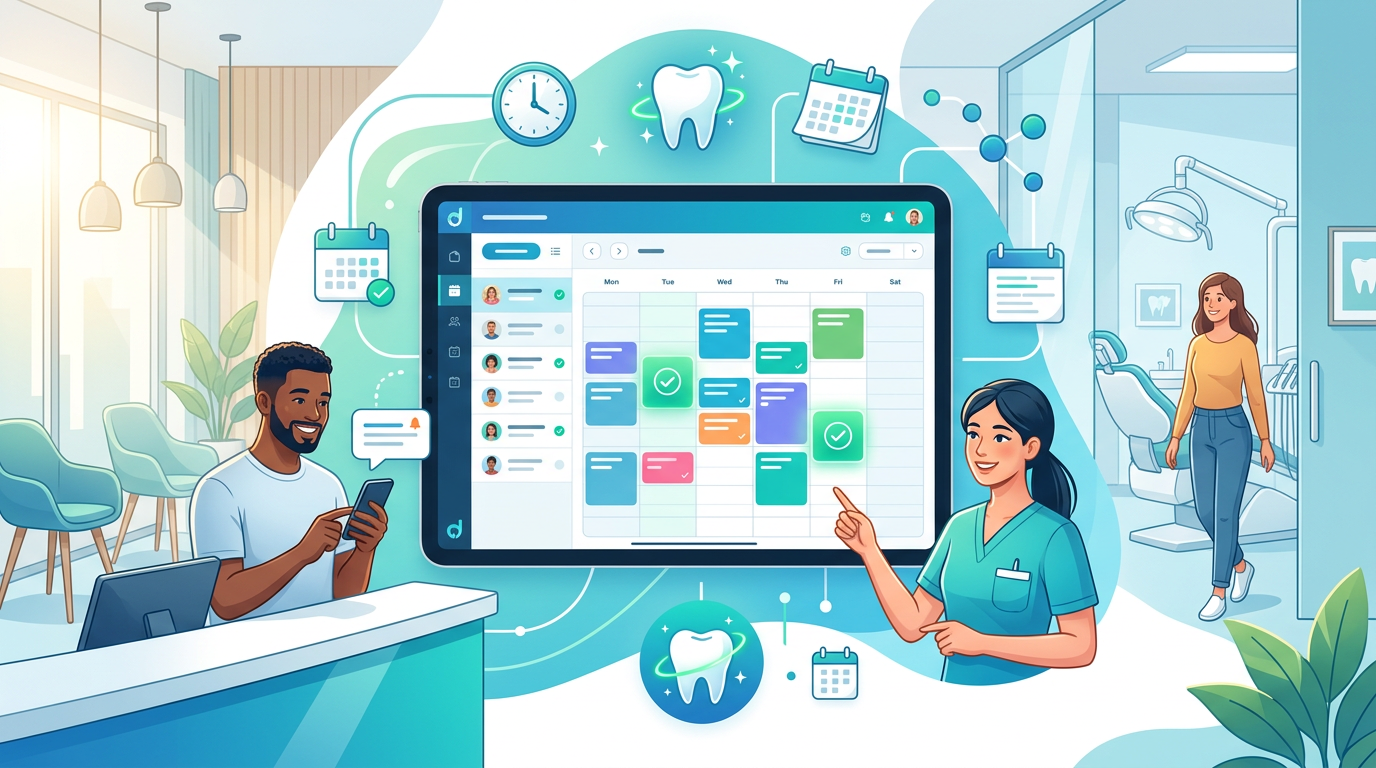
Automated scheduling software revolutionizes appointment management by streamlining processes, enhancing communication, and empowering patients. Here is how it directly addresses no-shows:
1. Automated and Personalized Reminders
This is arguably the most impactful feature. Automated systems send timely reminders via SMS, email, and sometimes automated phone calls at predetermined intervals (7 days, 3 days, 24 hours before). Key benefits include:
- Multi-channel reach: Patients choose their preferred method, increasing the likelihood they see and respond.
- Customizable timing: Practices set reminders for optimal times based on patient behavior patterns.
- Personalized messaging: Reminders include the patient's name, appointment type, date, time, and provider, feeling personal rather than generic.
- Confirmation options: Patients can confirm, reschedule, or cancel directly from the reminder, creating a crucial immediate feedback loop.
2. Online Self-Scheduling for Convenience
Letting patients book their own appointments online reduces administrative load and boosts satisfaction and commitment. Patients view available slots in real time and book 24/7, and this flexibility often improves adherence because patients choose times that genuinely work for them. Strong appointment scheduling tools make this effortless.
3. Digital Intake Forms and Pre-Appointment Information
Automated systems send digital intake forms, medical history updates, and pre-appointment instructions (such as 'don't eat for X hours if sedation is involved' or 'bring your insurance card') well in advance. Completing forms ahead of time makes patients more invested and less likely to cancel, while saving check-in time and improving the experience. This complements broader patient management workflows.
4. Waitlist Management and Recare Functionality
- Automated waitlists: When a patient cancels last minute, the system automatically notifies waitlisted patients seeking an earlier appointment, minimizing downtime and filling slots quickly.
- Automated recare/recall: Beyond cleanings, these systems track when patients are due for their next check-up and send recall reminders, keeping patients on schedule for preventive care and maintaining a steady appointment flow.
5. Robust Data Analytics and Reporting
Modern software delivers valuable insight into no-show rates, cancellation patterns, and engagement metrics. Practices can identify:
- Which days or times have higher no-show rates.
- Which patient segments are more prone to no-shows.
- The effectiveness of different reminder types or timings.
This data-driven approach lets practices continually refine strategies and make informed decisions to further reduce no-shows.
6. Two-Way Communication and Secure Messaging
Many systems enable secure, two-way communication between patient and practice, letting patients ask questions about their appointment, insurance, or directions directly through the platform. This open channel clarifies doubts and prevents cancellations stemming from misunderstandings or anxiety.
Implementing Automated Scheduling Software: Best Practices
The software is powerful, but successful implementation hinges on strategic planning. Here are best practices for Denti360 to maximize impact:
1. Choose the Right Software Partner
Not all scheduling software is equal. Look for solutions built for dental practices, with robust integration with existing practice management systems, comprehensive features (reminders, online booking, waitlist, recare), strong security (HIPAA compliance), and excellent support. Consider scalability and user-friendliness for staff and patients alike. Denti360 emphasizes technology that enhances, not complicates, practice workflows.
2. Customize Reminder Settings
Don't rely on default settings. Analyze your patient demographics and no-show patterns and experiment with:
- Timing: Send an initial reminder a week out, a second 72 hours prior, and a final one 24 hours before.
- Channels: Offer SMS, email, or both; for certain demographics, an automated voice call may still be effective.
- Content: Keep messages clear, concise, and complete (date, time, location, provider, confirmation link), personalized with the patient's name.
3. Educate Your Patients
Introduce the system during visits, in email newsletters, and on your website. Explain the benefits, such as convenience, fewer phone calls, and easy rescheduling, and ensure patients know how to confirm, reschedule, or cancel via automated messages. Emphasize that the system improves their experience and helps them receive timely care.
4. Train Your Staff Thoroughly
Your team must be proficient with the software. Comprehensive training ensures they understand how to:
- Set up new appointments.
- Manage the waitlist.
- Access reports and analytics.
- Troubleshoot common patient inquiries.
- Integrate the software into their daily workflow.
Confident staff support patients better and leverage the system's full potential.
5. Integrate with Existing Systems
For maximum efficiency, ensure the scheduling software integrates smoothly with your current practice management software (PMS). This prevents double entry, keeps patient data accurate, and provides a unified view of the patient journey from scheduling to treatment and billing.
6. Leverage Online Booking Effectively
Promote your online booking portal prominently on your website, social media, and in-office signage. Keep the interface intuitive and mobile-friendly, and clearly delineate which appointments can be booked online (routine cleanings) versus those requiring a call (complex procedures).
7. Implement a Clear Cancellation/No-Show Policy
Automated software reduces no-shows but does not eliminate them. Communicate your cancellation policy upfront (24-48 hour notice required) during booking and in reminders. This sets expectations and encourages patients to respect appointment times. Consider a gentle policy reminder in automated messages if a patient attempts a late cancellation.
8. Monitor and Adjust
Use your software's analytics. Regularly review no-show rates, cancellation reasons, and patient feedback. Are certain times still problematic? Are reminders being opened? Use this data to fine-tune strategies, whether adjusting timings, refining content, or offering incentives for consistent attendance. This continuous improvement cycle is vital to long-term success.
Real-World Impact and Future Outlook (2025 and Beyond)
Practices that successfully adopt automated scheduling software often report significant improvements. Many see no-show rates fall by 30-50% or more, translating directly into improved revenue, greater efficiency, and enhanced satisfaction. Staff report reduced administrative burden, freeing them for value-added tasks and direct patient engagement.
Looking ahead to 2025 and beyond, automated scheduling software will keep evolving. Expect even more sophisticated AI-driven predictive analytics that identify patients at higher risk of no-showing and trigger tailored interventions. Integration with wearable health tech, expanded telemedicine, and more seamless payment processing are also on the horizon. The focus will remain on a convenient, personalized, efficient patient experience that makes it easier than ever to prioritize oral health.
A Smart Investment for a Thriving Practice
For practices pursuing efficiency, profitability, and superior patient care, reducing cleaning no-shows is imperative, and automated scheduling software offers a robust, modern solution. By leveraging intelligent reminders, online booking, waitlist management, and data analytics, practices can dramatically improve appointment adherence, free valuable staff time, and build stronger patient relationships.
Investing in automated scheduling software is not just about filling empty chairs; it is about investing in the health and vitality of your practice and the consistent oral health of your patients. Denti360 is committed to bringing such transformative technologies to dental professionals. To see how Denti360 can help you turn the tide against no-shows, connect with our team and ensure every patient receives the preventive care they deserve.