
A dental clinic management system is the software a practice uses to run its day to day operations: who is coming in, what was done, what was charged, and what is owed. The term covers a wide range of products, which is why two clinics can both say they have one and mean very different things.
This is a plain description of what the category includes, what it replaces, and how to work out which parts your clinic actually needs. It is written for owners and practice managers making the decision, not for software buyers in general.
What the term actually covers
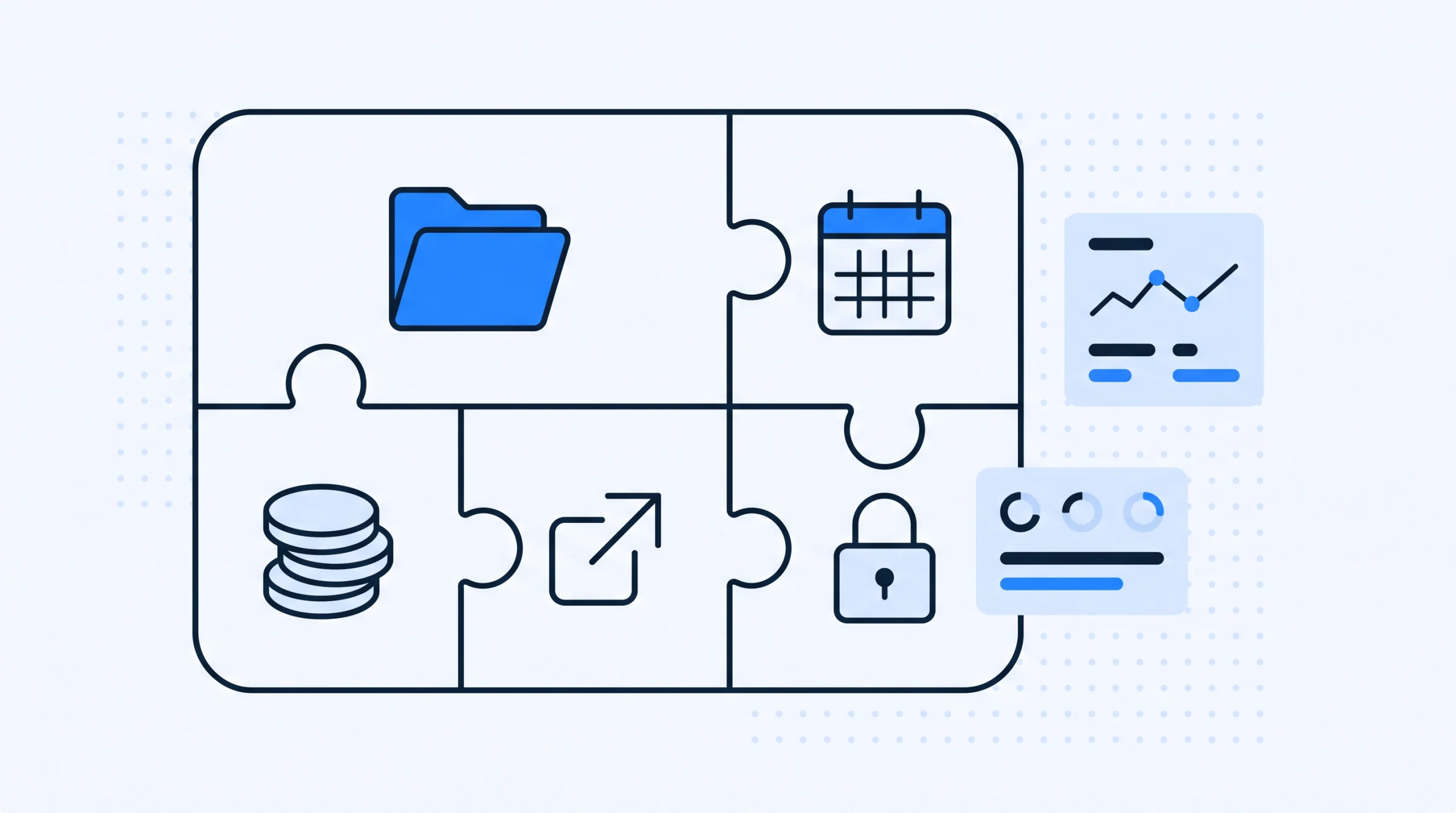
Most systems sold to dental practices bundle four or five distinct areas. Vendors package them differently, but the underlying jobs are consistent.
- Patient records. Profiles, medical history, treatment plans, payment history, and the ability to find any of it later.
- Scheduling. A calendar the whole clinic works from, with filters by doctor, patient or appointment type, and reminders that go out without anyone remembering to send them.
- Money in. What was charged, what was collected, and what is outstanding.
- Money out. Clinic expenses, categorised so they can be reported on rather than just recorded.
- Access control. Which staff member can see and do what.
Some products add inventory, imaging integration or marketing tools. Those are genuine features, but they are rarely the reason a clinic changes systems. The reason is almost always that one of the five above stopped working.
What it replaces
It is worth being precise about what leaves when a system arrives, because the answer shapes the migration.
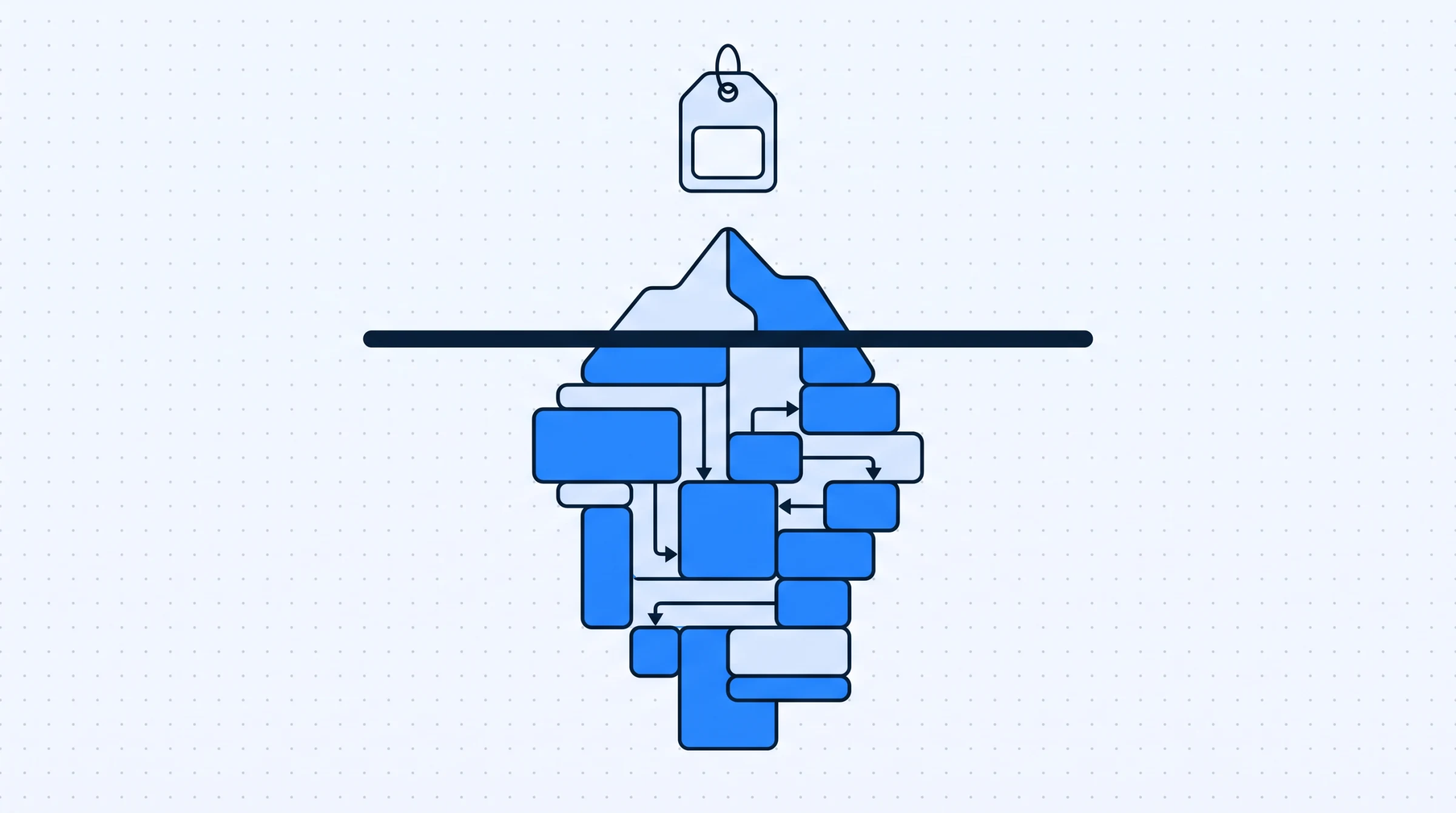
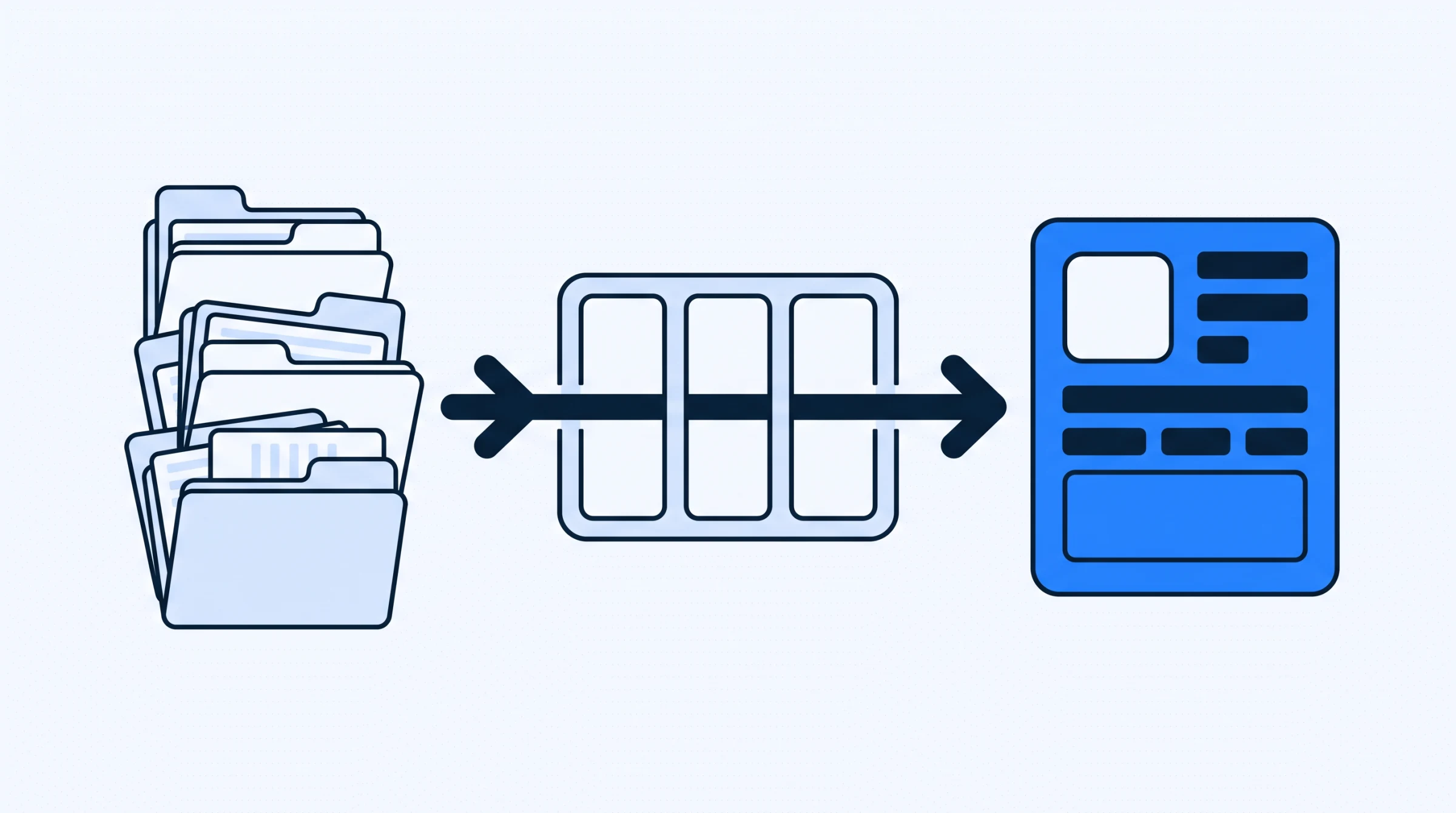
In most practices the system replaces an appointment book, a set of paper patient files, one or more spreadsheets, and a quantity of institutional memory. That last item is the one nobody plans for. Conventions like which drawer holds which year, or what the abbreviation in column F means, exist only in the head of whoever built the arrangement. Software forces those conventions to become explicit, which is uncomfortable and also the point.
What it does not replace is judgement about the data. A system will happily store a wrong phone number for a decade. Moving to software changes where errors live, not whether they occur.
It also does not replace the appointment book as an object until staff trust the screen more than the page. Most clinics run both for a period. That is sensible rather than a failure, but it should be a decision with an end date attached, because a desk that maintains two calendars indefinitely has taken on work rather than shed it.
Deciding what your clinic needs
Clinics tend to over specify at this stage, because feature lists are easy to read and workflows are not. A more useful method is to work backwards from friction.
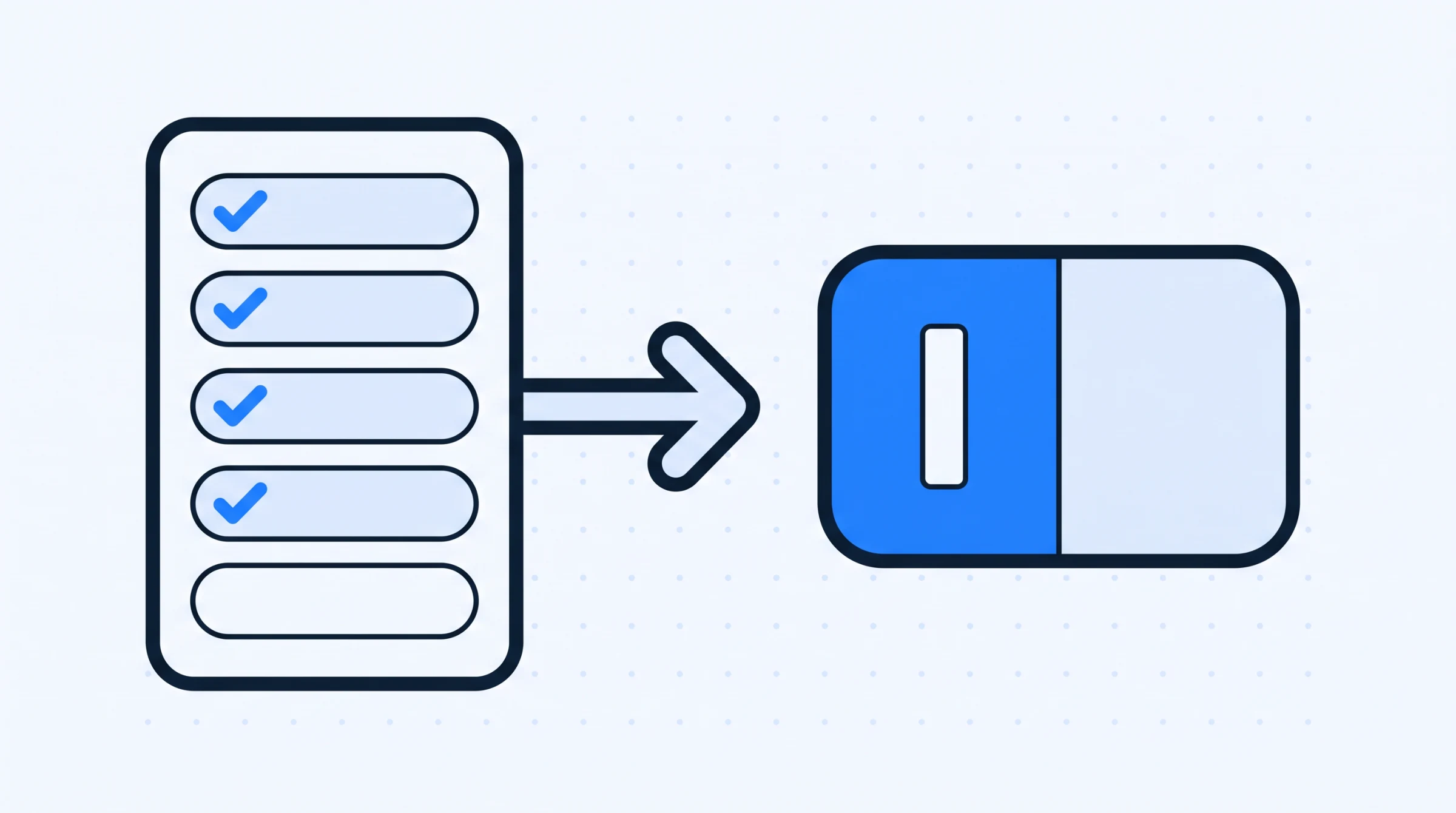
Write down the five things your front desk does most often in a week. Then write down the three questions you cannot currently answer without opening more than one thing. Typical examples: how much is outstanding across all patients, which referring doctor sent the most patients this quarter, what did we spend on materials last month.
Those two lists are your specification. Everything else is optional until it is not.
The exercise works because it separates what you do from what you are sold. A feature page describes capability in the abstract. Your five sequences describe the clinic. If a product handles four of them well and the fifth badly, you have learned something a comparison table would never have told you, and you have learned it before paying.
| Clinic situation | What usually matters most | What can wait |
|---|---|---|
| Single dentist, one assistant | Patient records and a shared calendar | Role permissions, multi location features |
| Two to four dentists, shared desk | Calendar filtered by doctor, role based access | Detailed expense categorisation |
| Clinic taking referrals | Referring doctor tracking and referral payments | Marketing tools |
| Owner not on site daily | Financial dashboard, outstanding balances | Chairside features |
| More than one branch | Per branch reporting and access control | Anything that assumes one location |
The right hand column is not a claim that those features do not matter. It is a claim about sequence. A clinic that cannot find a returning patient quickly will not be rescued by better expense reporting.
Where systems differ in practice
Three differences account for most of the variation between products, and none of them appear clearly on a feature page.
Whether the record is unified. In some systems clinical and financial data live in separate modules that have to be reconciled. In others they sit on the same patient record. The test is simple: ask to see a patient's treatment plan, medical history and outstanding balance without changing screens. Clinics that keep patient history, plans and payments on one record spend less time cross checking.
How much you can change yourself. Treatment names, payment modes and clinic settings vary between practices and change over time. If altering one requires the vendor, staff will stop asking and start using whatever option is closest, which degrades the data quietly.
What a new staff member can do on day one. Front desk turnover is a fact of clinic life. A system that depends on training you have to repeat every few months is a running cost, not a fixed one.
What the owner can see without asking anyone. In a single dentist practice this barely matters, because the owner is at the desk. It becomes the main consideration the moment the person responsible for the clinic's finances is not there every day. The question is whether outstanding balances, income and expenses can be read from one screen, or whether answering "how did last month go" requires someone to assemble it.
What a management system will not fix
Three problems get attributed to software and are not solved by it. Knowing which is which saves an expensive disappointment.
Data that was wrong on paper. Migration moves errors faster and gives them the authority of a new system. If phone numbers were unreliable in the ledger, they will be unreliable in the database. The fix is a verification pass during migration, which is work, not a feature.
A desk that is understaffed. Software removes duplicate typing and lookup time. It does not answer the phone. A clinic where the receptionist is interrupted every four minutes will still have an interrupted receptionist, holding a better tool.
Disagreement about how the clinic runs. If two dentists book differently, or one prefers not to record treatment plans in advance, configuration cannot settle that. Software makes the disagreement visible, usually in the first fortnight. That is useful, but it is a management conversation rather than a support ticket.
The honest framing is that a system removes retrieval cost, duplicate entry and the dependence on one person's memory. Those are worth having. It does not remove judgement, staffing constraints or the need to agree on a way of working.
Buying, and what to ask
Demonstrations are designed to show the software working as intended. These questions tend to reveal the rest.
- Show me the five sequences I wrote down, in order, on your system. Not the features that support them.
- What does a partially completed record look like? Real clinics are interrupted constantly.
- Who can see clinical notes, and can I change that? The answer should be specific, not reassuring.
- How do I get my data out? Ask while you are still happy.
- What breaks when the internet drops? Worth knowing before it happens rather than after.
Question one does most of the work. Vendors answer feature questions well because they are asked them constantly. Sequence questions are harder to rehearse.
Cost, and what it is usually attached to
Pricing in this category is normally per user per month, sometimes with a yearly rate that works out cheaper. The variable that matters is the user count, because it is the one that grows without anyone deciding it should. A clinic that adds a part time receptionist and a visiting dentist has added two users.
Denti360 publishes its plans openly, including the user limits on each, on the pricing page. Whatever system you evaluate, work out the cost at the headcount you expect in two years rather than today's.
The less visible cost is the time spent moving data across and the period when staff check two places. That is real and it is temporary. Budget attention for it rather than money.
There is a third cost that rarely appears in any quote: the decisions you have to make before configuration. What counts as a treatment type. Which payment modes you accept and what you call them. Who is allowed to edit a saved record. None of these are software questions, and all of them have to be answered before staff can use the system properly. Clinics that treat this as an afternoon of admin tend to redo it later.
Getting started sensibly
The lowest risk way into a new system is to run it for new patients only from a chosen date, and let existing patients migrate as they return. After a year most of your active list has moved, and you never imported a pile of records nobody verified. The alternative, moving everyone seen in the last eighteen months in one deliberate pass, ends the dual lookup sooner but concentrates the work.
Either way, decide before you start who owns configuration. Treatment names, payment modes and role definitions should be set once by someone who understands the clinic, not assembled by whoever first hits a missing option.
If you want to see how the pieces fit together on a working system, the feature overview covers what Denti360 includes, and you can book a demo with your own five sequences in hand.