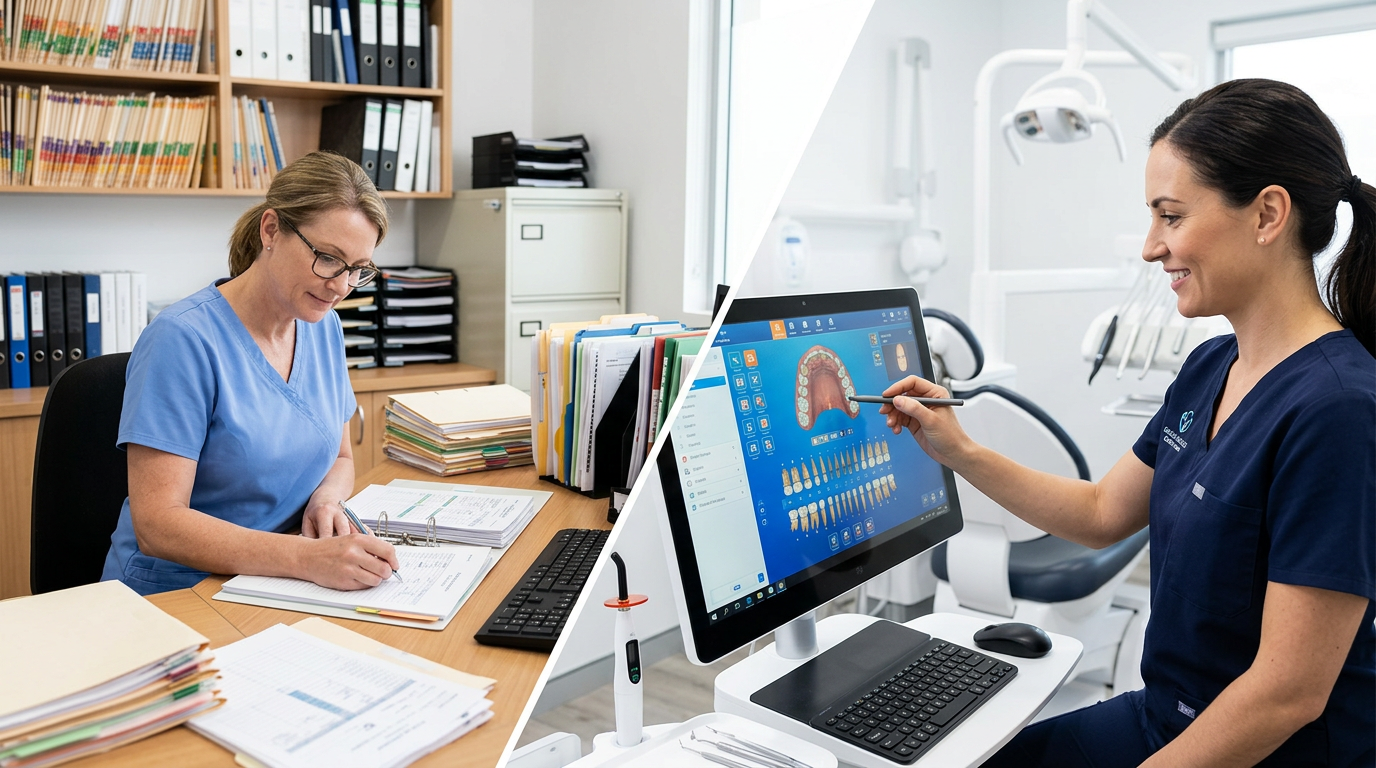


A booked appointment is not the same as a kept appointment. Every dental practice in India knows this, and most have developed some version of the same workaround: a staff member calls through the next day's schedule each afternoon, leaving voicemails, waiting for callbacks, and updating a paper list. It works often enough to persist, but it is expensive in staff time, inconsistent in execution, and increasingly ineffective as patients shift to messaging apps and away from phone calls. Automating appointment confirmations is not just a convenience upgrade — it is one of the highest-return changes a practice can make to its dental practice management workflow.
The Real Impact of No-Shows on a Dental Practice
A no-show is not simply a lost appointment. It is a cascading problem. The dentist or hygienist is available and the operatory is prepared, but the chair sits empty. The slot cannot be filled on short notice. The next patient who needed that appointment is delayed. And the administrative team spends time trying to reschedule, which takes them away from other tasks. Multiply this by even three or four no-shows per week and the financial and operational cost becomes significant.
The good news is that most no-shows are not intentional. Research consistently shows that the majority of patients who miss appointments do so because they forgot, had a scheduling conflict they assumed was too late to communicate, or did not know how to reschedule easily. These are all problems that automated appointment confirmation systems solve directly.
How Automated Confirmation Systems Work
The core principle is straightforward. When an appointment is booked — whether by front-desk staff or through an online booking portal — the system triggers a series of automated reminders at pre-set intervals. Each reminder includes the appointment date, time, treating clinician, and clinic address, along with a simple prompt for the patient to confirm or request a reschedule.
In the Indian context, WhatsApp and SMS are the most effective channels because they reach patients where they already spend time. Denti360 supports both, as well as email for patients who prefer it. The key is that patients do not need to call the clinic — they can respond directly from the message, and that response is reflected in the practice schedule in real time.
A typical automated sequence might look like this:
- 72 hours before — a reminder with appointment details and a confirmation prompt.
- 24 hours before — a follow-up if the patient has not yet confirmed, with a rescheduling option clearly offered.
- Morning of — a brief reminder for patients who have confirmed, including any pre-appointment instructions (e.g., do not eat before sedation, bring previous X-rays).
This layered approach catches patients at different points in their attention cycle and gives them multiple opportunities to act before a no-show becomes inevitable.
Turning Cancellations into Filled Slots
Automated confirmations do more than reduce no-shows — they accelerate cancellation notice, which is almost as valuable. A patient who cancels 48 hours in advance gives the practice a genuine opportunity to fill the slot. Denti360's scheduling module maintains a waitlist of patients who have expressed interest in earlier appointments, and when a cancellation comes in, the system automatically notifies waitlisted patients about the available slot. In many cases, the slot is filled within the hour without any manual effort from the front desk.
This combination — fewer no-shows and faster recovery when cancellations do occur — means practice chair utilisation stays high and revenue remains predictable, even in the face of the inherent unpredictability of patient behaviour.
Integration with Your Practice Management Workflow
Automated appointment confirmation is most powerful when it is fully integrated with your dental practice management software rather than running as a standalone tool. When Denti360 handles both scheduling and reminders in a single system, every confirmation response updates the schedule directly. There is no lag, no manual transfer of information, and no risk of a team member missing a patient's reschedule request.
Integration also enables smarter reminder logic. Denti360 can distinguish between a first appointment and a recall visit, and tailor the message accordingly. A new patient might receive a reminder that includes directions to the clinic and information about what to bring. A recall patient might receive a message that references their last visit and what to expect at the upcoming one. This personalisation makes the reminder feel less like a generic alert and more like a communication from a clinic that knows them — which it is.
Dental software that handles this level of integration also eliminates a common source of error: the manual re-entry of appointment information from one system to another. When the same platform manages the schedule and the reminders, the data is always consistent and always current.
Practical Steps to Get Started
Implementing automated appointment confirmations does not require a complete overhaul of your practice systems. With Denti360, the process is straightforward:
- Audit your contact data — the system is only as good as the mobile numbers and email addresses it sends to. Make verifying and updating contact information a standard part of every patient check-in.
- Define your reminder cadence — decide which intervals work best for your patient mix. Many practices start with a 72-hour and 24-hour sequence, then adjust based on confirmation rates.
- Customise your messages — Denti360 provides templates that can be personalised with your clinic name, the treating doctor's name, and any specific pre-appointment instructions relevant to different appointment types.
- Brief your front-desk team — staff should understand how the system works so they can explain it to patients and handle any queries about automated messages. Patients occasionally mistake a reminder message for spam; a brief explanation at the time of booking prevents this.
- Review the analytics monthly — Denti360 tracks confirmation rates, no-show rates, and cancellation lead times. Use this data to refine your reminder strategy over time.
The Compound Effect on Practice Growth
The benefits of automated appointment confirmations compound over time. A reduction in no-show rate from 15% to 7% does not just recover the immediate revenue from those kept appointments — it also frees up staff time previously spent on manual follow-up calls, improves team morale by reducing the frustration of empty chairs, and builds a reputation for a well-run, reliable practice that patients trust and refer others to.
For dental practices using Denti360, appointment automation is one part of a broader dental software ecosystem that includes digital charting, treatment planning, billing, and patient communication — all connected in a single platform. The cumulative effect of these integrated tools is a practice that runs more smoothly, generates more consistent revenue, and delivers a noticeably better patient experience than practices still relying on manual processes.
Start Reducing No-Shows with Denti360
No-shows are not inevitable. They are a solvable problem, and automated appointment confirmation is one of the most direct, cost-effective solutions available. Denti360 makes it easy to implement, easy to customise, and easy to measure — so your practice can move from reactive schedule management to proactive patient engagement.
Book a free Denti360 demo today and see how automated confirmations can reduce no-shows and free your team to focus on delivering excellent care.