
Why Optimized Dental Appointment Scheduling Software Is Essential for Pediatric Practices
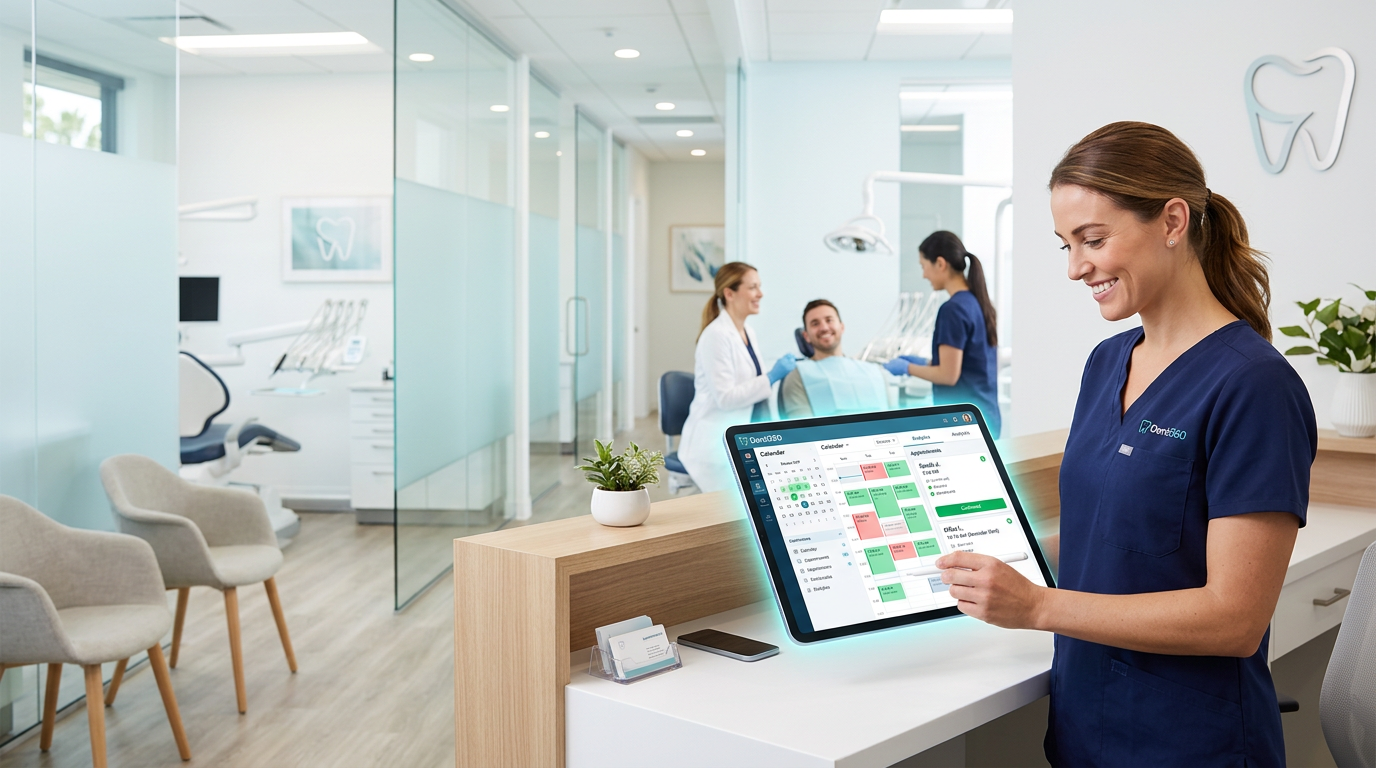
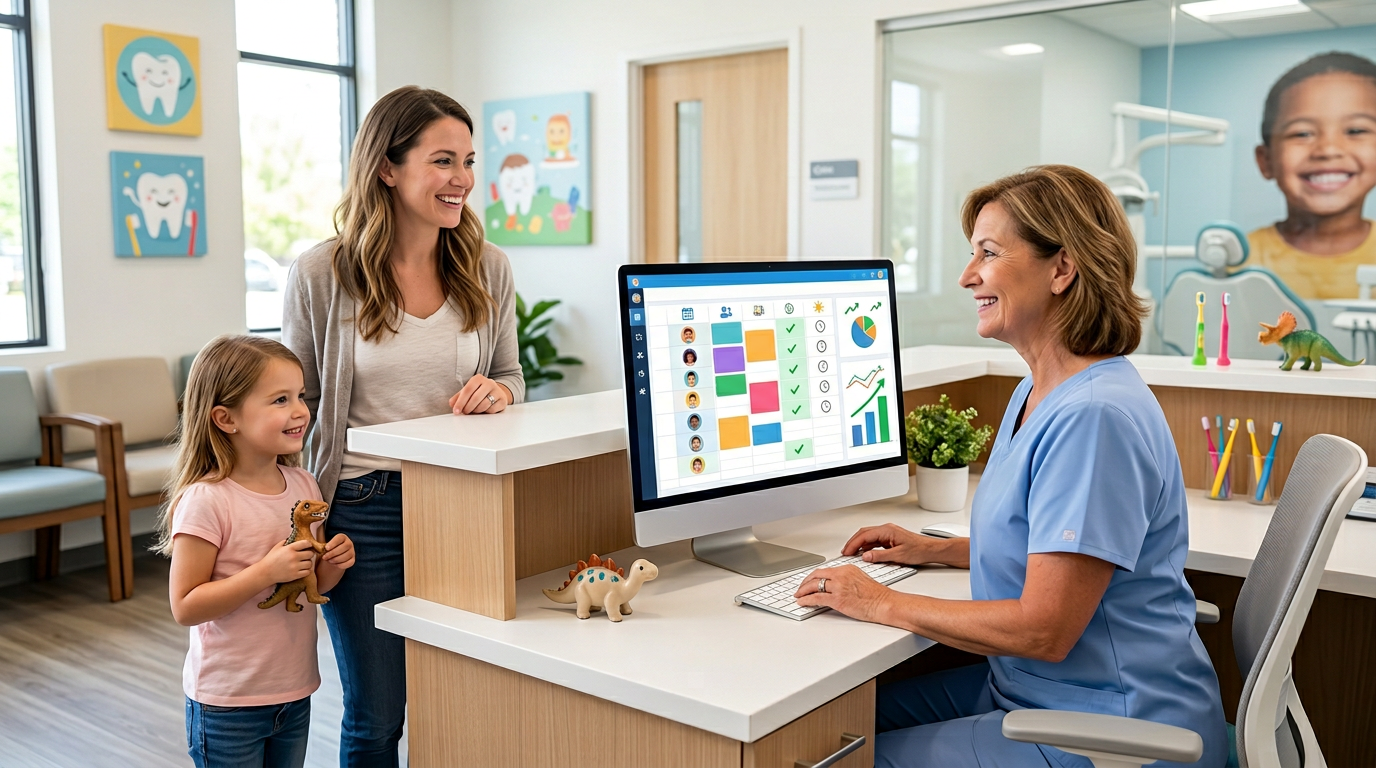
Dental appointment scheduling software, when optimized for pediatric care, is your most powerful weapon against the no-shows draining your revenue and chair time. Missed appointments and last-minute cancellations strain every healthcare sector, but they hit children's dental practices especially hard. A missed visit wastes staff time and operatories while disrupting the continuity of care young patients depend on. Children often need staggered treatment plans, and consistent attendance is vital for tracking development, stopping minor issues from escalating, and building trust with their provider. This guide from Denti360 lays out actionable strategies to turn your scheduling system into a proactive tool that boosts patient engagement, streamlines operations, and builds a healthier, more consistent patient base.
Understanding the Unique Challenges of Pediatric No-Shows
To fix no-shows, first understand why they spike in pediatric settings. Parents juggle multiple schedules, work commitments, and unexpected child-related emergencies. Transportation problems, forgetfulness amid busy lives, and a child's own anxiety about a dental visit all contribute to missed appointments. Traditional reminders rarely cut through the noise of a parent's day. Any effective strategy must account for these specific parental challenges, prioritizing convenience, flexibility, and strong communication.
Implementing and Customizing Robust Automated Reminders
Reducing no-shows starts with a sophisticated, multi-channel reminder system. Your dental appointment scheduling software should offer deep customization so reminders are not just sent but actually effective. A single email the day before is not enough.
Multi-Channel Communication: Reaching Parents Where They Are
Parents are busy, and one channel rarely suffices. Optimize your software to send reminders via:
- SMS/Text Messages: High open rates and immediate attention make texts incredibly effective. Let parents confirm or reschedule directly by text.
- Email: Ideal for detailed information, pre-appointment forms, and links to educational content.
- Automated Phone Calls: A personal touch for those less tech-savvy or who prefer auditory reminders.
- In-App Notifications: If your practice has a patient portal or app, use push notifications.
Strategic Timing and Frequency of Appointment Reminders
One reminder is rarely enough. Implement a staggered schedule:
- Initial Confirmation (upon booking): An immediate email or text confirming the date, time, and details.
- Long-Term Reminder (1-2 weeks prior): Useful for appointments booked well ahead, giving parents time to adjust their schedules.
- Mid-Term Reminder (2-3 days prior): The primary reminder for most appointments, prompting confirmation.
- Day-Before Reminder: A final nudge, often with a specific time slot to help parents plan.
- Morning-Of Reminder (optional): For afternoon appointments, a gentle morning reminder prevents last-minute forgetfulness.
Personalization and Clarity
Generic messages get ignored. Customize reminders to include:
- Child's Name: "Hi [Parent's Name], this is a friendly reminder for [Child's Name]'s dental appointment..."
- Practice Name and Contact Info: Make it easy to identify the sender and call if needed.
- Date, Time, and Service Type: Be explicit to avoid confusion.
- Direct Call to Action: "Reply YES to confirm, NO to reschedule, or call us at [Phone Number]."
- Anticipatory Information: "Please arrive 10 minutes early to complete any necessary paperwork."
Two-Way Communication and Confirmation
The best systems let patients confirm, reschedule, or cancel directly through the reminder (for example, replying 'Y' to confirm an SMS). This cuts your staff's administrative burden and gives immediate feedback on appointment status, so you can fill openings promptly. A flexible appointment scheduling system makes this two-way exchange effortless.
Leveraging Self-Service and Online Booking Features
Giving parents control over scheduling dramatically reduces no-shows. Modern dental appointment scheduling software offers robust online booking portals.
24/7 Online Booking Access
Let parents book outside practice hours, fitting their busy schedules and ending phone tag.
- Clear Availability: Display real-time openings for pediatric dentists, hygienists, and specific treatment types.
- Intuitive Interface: Keep the portal user-friendly and mobile-responsive, since many parents book from their phones.
Pre-Appointment Forms and Information Gathering
Integrate digital forms into your scheduling software. Sending them in advance accomplishes several goals:
- Saves Time at Check-In: Reduces stress for parents and children in the waiting room.
- Confirms Engagement: A parent who completes forms is more likely to attend.
- Collects Crucial Information: Allergies, medical history, and insurance details are gathered proactively.
- Reduces Cancellations: Asking parents to invest time in forms increases their commitment.
Virtual Waiting Room and Telehealth Integration
For certain consultations or follow-ups, integrating telehealth into your scheduling system adds flexibility, especially for initial consultations or minor concerns that don't require a physical visit. This lowers barriers for families and turns a potential no-show into a completed virtual visit.
Optimizing Scheduling Logic and Practice Workflows
Beyond reminders and self-service, the logic within your scheduling software can be tuned to reduce no-shows.
Strategic Appointment Buffers and Overbooking Options
Though generally avoided, strategic, minor overbooking (if your software supports it intelligently) for high no-show appointment types can balance the books. More commonly, buffer times for complex pediatric cases or emergency slot insertions maintain flow. Your software should let you define these parameters.
Identifying and Managing High-Risk Patients
Use your software's analytics to identify patients with a history of no-shows or frequent cancellations. Flag them and apply enhanced protocols:
- Increased Reminders: Send more frequent or varied reminders.
- Personalized Outreach: Have a team member call directly a few days before.
- Pre-Payment/Deposit Policies: For repeat offenders, consider a deposit forfeited on no-show, where local regulations permit.
Efficient Waitlist Management
A dynamic waitlist is invaluable. When a cancellation occurs, your software should ideally:
- Automatically Notify: Alert patients on the waitlist for specific appointment types or providers.
- Allow Quick Booking: Let waitlisted patients claim open slots via text or email links, filling gaps rapidly.
Staff Training and Engagement
Even advanced software is only as good as the team using it. Ensure your front office staff are:
- Proficient: Fully trained on every feature of the scheduling software.
- Consistent: Following established protocols for booking, confirming, and managing cancellations.
- Empathetic: Understanding parents' challenges and offering compassionate rescheduling.
Leveraging Data Analytics and Reporting for Continuous Improvement
Your dental appointment scheduling software is a rich data source. Don't just book with it; use its analytics to refine your strategy.
Tracking No-Show Rates by Provider, Time, and Service
Identify patterns. Are no-shows higher on Monday mornings? For certain appointment types, such as routine check-ups versus restorative work? With a particular provider? This data informs future scheduling decisions and targeted interventions.
Analyzing Reminder Effectiveness
Track which reminder channels and timing combinations yield the highest confirmation rates, then fine-tune your automated sequences for maximum impact.
Calculating the Revenue Impact of No-Shows
Quantify the financial cost of missed appointments. Sharing this with your team underscores why optimized scheduling matters and motivates adherence to new protocols.
A/B Testing Reminder Messages and Timing
If your software allows, experiment with different reminder messages or timing sequences across patient segments, then analyze results to find the most effective approach.
Creating a Positive Patient Experience Around Scheduling
Reducing no-shows isn't only about efficiency; it's about strong patient relationships. A positive scheduling experience drives parental loyalty and attendance.
Clear Communication of Policies
Communicate your cancellation and no-show policies clearly at booking, in confirmation emails, and on your website. Transparency manages expectations.
Friendly and Empathetic Rescheduling Process
When a parent needs to reschedule, make it seamless and understanding. A positive interaction, even during a cancellation, ensures they rebook rather than disappear.
Building Trust Through Consistent Care
When children attend regularly, they build rapport with the dental team. This consistency, enabled by effective scheduling and streamlined patient management, reduces anxiety and increases future attendance. Remind parents in your communications of the importance of regular pediatric dental care.
Turn Scheduling Challenges Into Growth With Denti360
Optimizing your dental appointment scheduling software is no longer a luxury but a strategic necessity. With multi-channel automated reminders, convenient online booking, refined workflows, and data analytics, your practice can significantly reduce no-shows, strengthen your bottom line, improve efficiency, and ensure every child receives the consistent care that builds a lifetime of healthy smiles. Denti360 delivers the dental technology and insights that help practices thrive in 2025 and beyond. Explore the Denti360 platform or book a personalized demo to see how it transforms pediatric scheduling.