
Every unfilled appointment slot costs an Indian dental practice both revenue and the trust of a patient whose care has been interrupted. No-shows and last-minute cancellations are frustrating for dentists, stressful for front-desk staff, and ultimately harmful for patients who fall behind on treatment. The good news is that most no-shows are preventable — and the practices that have cracked the problem have done so with structured, multi-touch appointment reminder systems backed by dental patient management software. Here are five strategies that consistently reduce no-show rates and improve patient communication.
1. Reach Patients on the Channel They Actually Use
A phone call at 11 am reaches a different patient than a WhatsApp message at 8 pm. In India, the communication landscape is fragmented: some patients check email regularly, others never do; almost everyone is active on WhatsApp; older patients may still prefer a voice call. Relying on a single reminder channel is a common and easily corrected mistake.
Effective dental patient communication maps the reminder channel to the patient's demonstrated preference. When a patient registers or books their first appointment, capture their preferred contact method — or, if you are using a platform like Denti360, allow patients to set this preference themselves in the patient portal. Then configure your reminder workflows accordingly. A patient who prefers WhatsApp receives their reminder there; one who has opted for email gets a formatted message with all the relevant details.
Multi-channel delivery is not about bombarding patients — it is about making sure the right person receives the message in a format they will actually notice and act on. Practices that shift from single-channel to multi-channel reminders typically see immediate improvements in confirmation rates.
2. Automate a Sequence of Reminders, Not Just One
A single reminder sent 24 hours before an appointment is better than nothing, but it leaves a gap. Patients forget appointments they booked three weeks ago; a reminder the day before often comes too late for them to rearrange their schedule if something has come up. A three-touch sequence is more effective:
- First reminder — 72 hours out: A friendly message confirming the appointment date, time, provider name, and what to bring or prepare. This gives patients enough notice to reschedule if needed without last-minute chaos for your front desk.
- Second reminder — 24 hours out: A shorter confirmation request with a clear call to action — "Reply YES to confirm or call us to reschedule." Include any preparation instructions specific to the procedure (fasting requirements, medications to avoid, etc.).
- Day-of reminder — 2 hours before: A brief nudge with the clinic's address and parking information, particularly useful for new patients or those coming to a branch they have not visited before.
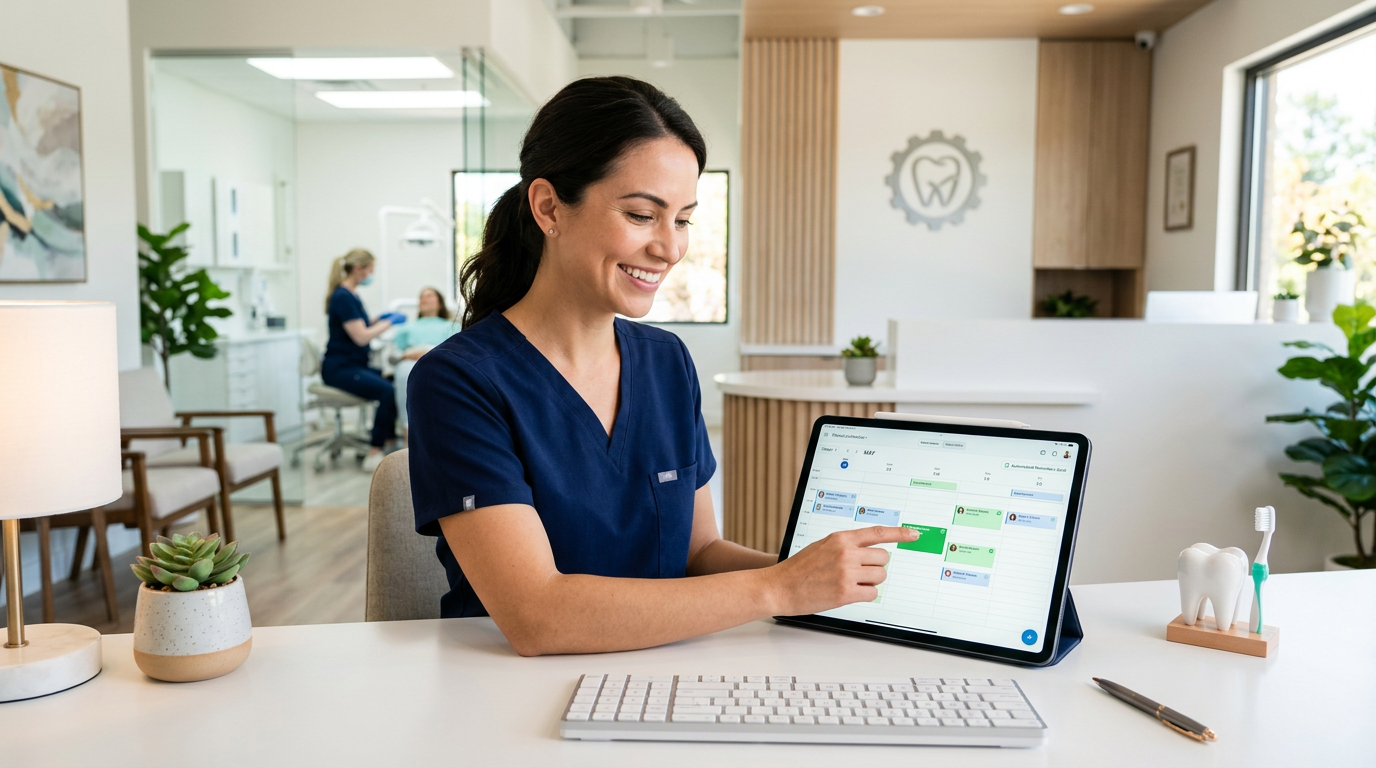
With dental practice management software like Denti360, this entire sequence is configured once and runs automatically. Your front desk does not need to manually send a single message — the system tracks appointment confirmations and updates the schedule in real time when a patient responds.
3. Make Confirmation and Rescheduling Effortless
The single biggest friction point in appointment reminders is asking patients to call the clinic to confirm. Many patients — particularly working professionals — will not make that call during business hours. They intend to confirm, forget, and become a no-show.
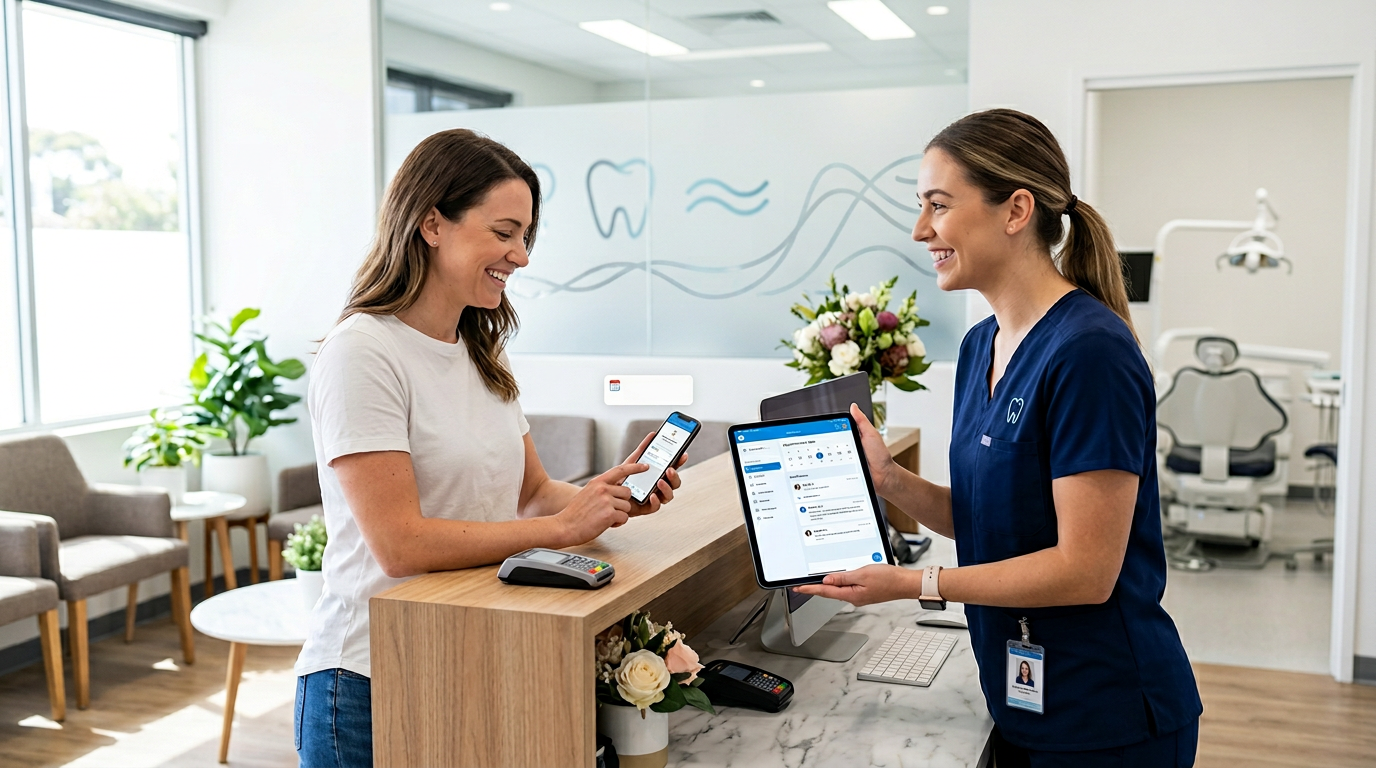
Interactive reminders solve this. When a patient can confirm with a single tap, reply with a keyword, or click a link that opens a rescheduling calendar, compliance improves dramatically. Denti360's patient communication system supports two-way messaging: a patient replies "YES" to confirm or "CHANGE" to trigger a rescheduling flow — all without speaking to anyone at the clinic.
When a patient cancels or reschedules, the system automatically opens that slot and can notify patients on the waitlist. This closes the loop between cancellations and new bookings, ensuring your schedule stays full even when plans change. For practices aiming to reduce no-shows, this kind of frictionless interaction is one of the highest-return improvements available.
4. Personalise the Message to Match the Appointment
A reminder for a routine scaling and polishing should not read the same as a reminder for a surgical implant placement. Beyond the obvious difference in preparation requirements, the tone and detail of the message should reflect the significance of the appointment for the patient.
Procedure-specific templates within your dental software allow this personalisation to happen automatically. When a crown preparation is booked, the reminder template for that procedure type fires — including specific instructions like "please eat a light meal before your appointment" or "inform us if you are taking any blood-thinning medications." When a paediatric check-up is booked, the reminder goes to the parent and uses appropriately warm, simple language.
This level of personalisation serves two purposes. First, it ensures patients arrive prepared, which reduces chair-side delays and improves appointment efficiency. Second, it demonstrates that your practice pays attention to the individual — which patients notice and remember. In a competitive landscape for dental practices across Indian metros and tier-two cities alike, this kind of thoughtful communication is a meaningful differentiator.
5. Use Analytics to Continuously Refine Your Reminder System
The practices that achieve the lowest no-show rates treat their reminder system as a work in progress, not a finished product. The data your dental practice management platform collects tells you exactly where the system is working and where it is not.
Key metrics to monitor include:
- No-show rate by appointment type: If patients consistently miss hygiene recall appointments but rarely miss restorative procedures, your recall reminder sequence may need strengthening.
- Confirmation rate by channel: If WhatsApp confirmations run at 70% but email confirmations at 20%, double down on WhatsApp and simplify or eliminate the email touch.
- Cancellation timing: Cancellations that come in with less than 12 hours' notice represent a specific problem — consider whether a 48-hour confirmation requirement could catch these earlier.
- Slot fill rate from the waitlist: Track how often a cancelled slot is successfully filled. If it is low, the waitlist notification process may be too slow or the contact method wrong.
Denti360 surfaces these metrics through its practice analytics dashboard, giving you the information you need to make evidence-based decisions about your reminder workflows rather than relying on gut feeling.
Conclusion: Better Reminders Mean Better Care
Appointment reminders are not a back-office administrative task — they are a clinical touchpoint. Every patient who shows up prepared and on time receives better care, experiences fewer disruptions to their treatment plan, and builds a stronger relationship with your practice. The five strategies above — multi-channel reach, automated sequences, interactive confirmation, personalised messaging, and data-driven refinement — together form a system that reliably reduces no-shows and improves dental office efficiency.
Denti360 is designed to make all of this straightforward to implement, even for practices without a dedicated IT team. Book a free Denti360 demo and see how the platform's patient communication tools can be configured for your clinic in a single session.