
Automated Appointment Reminders: The Key to Reducing Orthodontic No-Shows
Automated appointment reminders are the most reliable defense an orthodontic practice has against the no-show that empties a high-value consultation slot. Every orthodontic appointment, from initial assessment to detailed treatment planning, moves a patient toward a healthier, more confident smile, yet missed appointments disrupt a carefully orchestrated schedule, drain revenue, waste staff time, and lengthen waiting lists for other eager patients. In 2025, a highly effective, technologically advanced fix is within reach: automated reminders that keep appointments on patients' minds without tying up your team.
Denti360 understands how central efficient patient management is to any dental practice, especially in specialized fields like orthodontics. This guide explores how automated reminders can be a game-changer, reducing no-shows and optimizing operational efficiency. We'll cover the why, the how, and the benefits of weaving this technology into your daily workflow.
The Pervasive Problem of Orthodontic No-Shows
Before the solution, it's worth grasping the scale of the problem. Orthodontic consultations demand significant chair time, specialized equipment, and trained staff. When a patient fails to appear, the repercussions ripple through the practice:
- Financial loss: A vacant slot is unbillable time. Over months or years, these lost opportunities accumulate into substantial losses that hit profitability directly.
- Wasted staff resources: Administrative staff spend valuable time confirming appointments, rescheduling, and managing the fallout. Clinical schedules become unpredictable too.
- Operational inefficiency: No-shows leave gaps that are hard to fill last minute, leading to inefficient use of operatories and equipment.
- Impact on patient care: No-shows by some patients mean longer waits for others who genuinely need a consultation or follow-up, potentially delaying treatment.
- Decreased morale: Frequent no-shows frustrate the team, reducing morale and creating a sense of wasted effort.
The causes range from simple forgetfulness to scheduling conflicts, low perceived urgency, or anxiety. Some factors lie beyond a practice's control, but a significant share can be mitigated through effective communication, with automated reminders leading the charge.
Understanding Automated Appointment Reminders
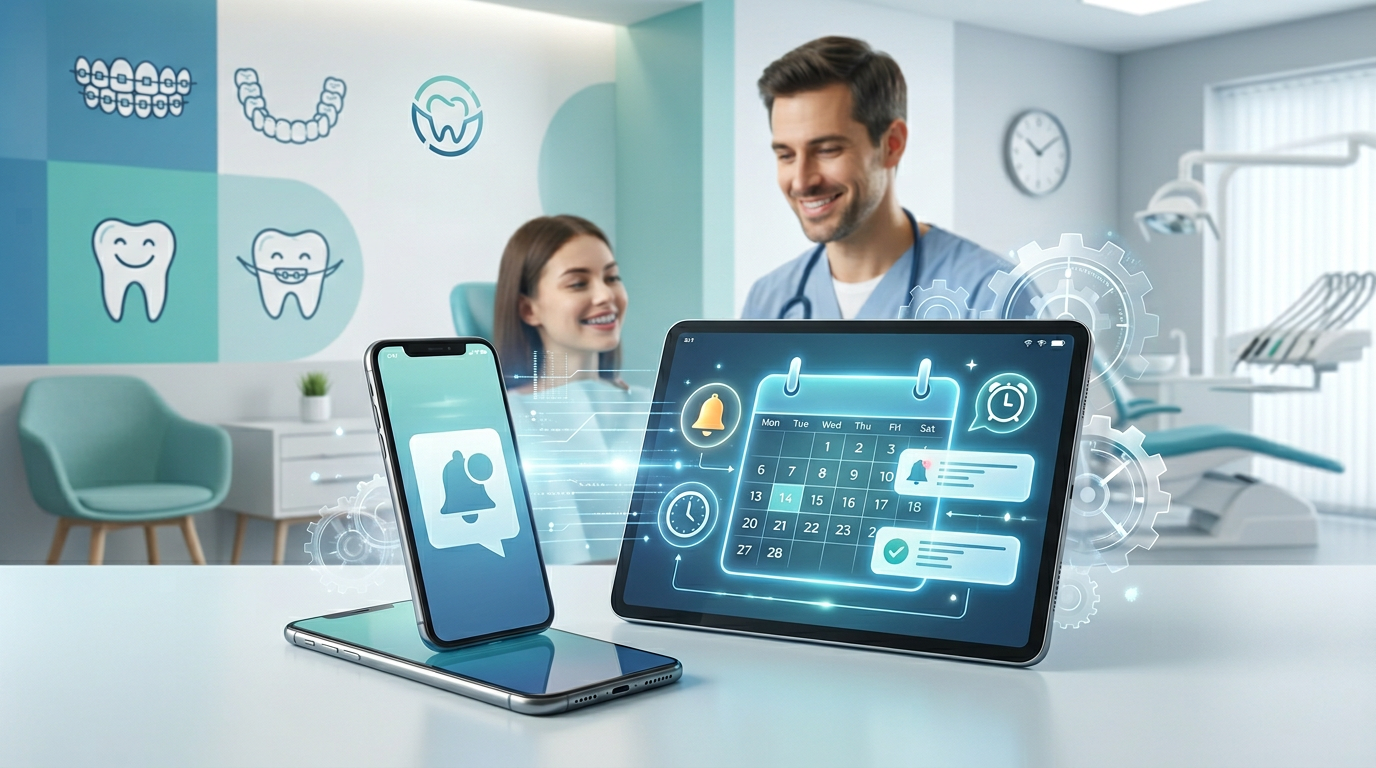
At its core, an automated reminder system is software that sends timely notifications about upcoming appointments without manual staff effort. Reminders typically arrive through several channels:
- SMS/text messages: Highly effective thanks to high open rates and immediate delivery.
- Email: Ideal for detailed information, directions, or consent forms.
- Automated phone calls: Useful for patients who prefer or rely on voice communication, especially older demographics.
The power of automation lies in being pre-programmed, personalized, and consistently delivered, so no patient is overlooked.
Strategic Implementation of Automated Reminder Systems
Rolling out automated reminders for your orthodontic practice takes a thoughtful approach to maximize impact. Here's a step-by-step guide.
1. Choosing the Right Platform
Many patient communication platforms exist. Denti360 recommends choosing a system that:
- Integrates with your practice management software: Seamless integration avoids manual data entry and keeps schedules synchronized in real time.
- Offers multi-channel communication: SMS, email, and voice options cater to diverse patient preferences.
- Allows customization: Personalizing messages with your branding, patient names, and appointment details enhances professionalism.
- Provides reporting and analytics: Tracking open rates, response rates, and no-show reduction is essential for evaluating effectiveness.
- Is HIPAA compliant: Critical for protecting sensitive patient information.
- Is user-friendly: The system should be easy for staff to learn and manage.
2. Crafting Effective Reminder Messages
Message content matters as much as delivery. Effective reminders are:
- Clear and concise: Get to the point with the patient's name, appointment date, time, and practice name.
- Action-oriented: Include clear instructions to confirm, reschedule, or cancel, with a direct phone number or portal link.
- Professional yet friendly: Match a tone that reflects your practice's brand.
- Informative: Add a brief note on the appointment's purpose (for example, 'Orthodontic Consultation' or 'Braces Adjustment').
- Location details: If your practice is hard to find or has multiple locations, include the address or a link to directions.
Example SMS reminder:
"Hi [Patient Name], this is a reminder for your Orthodontic Consultation at Denti360 on [Date] at [Time]. Please confirm by replying YES or call us at [Phone Number] to reschedule. We look forward to seeing you!"
Example email reminder:
Subject: Your Upcoming Orthodontic Consultation at Denti360
Dear [Patient Name], this is a friendly reminder of your upcoming Orthodontic Consultation at Denti360 on [Date] at [Time]. Location: [Practice Address].
Please confirm your attendance by clicking here: [Confirmation Link]. If you need to reschedule or cancel, please reply to this email or call us at [Phone Number] at your earliest convenience. We kindly request at least 24 hours' notice.
We're excited to help you achieve your perfect smile! Sincerely, The Denti360 Team.
3. Establishing a Strategic Reminder Schedule
Timing is critical, and a multi-stage approach works best:
- Initial reminder (about 7 days out): An early heads-up that gives patients time to adjust their schedules, especially for consultations booked far in advance.
- Intermediate reminder (about 2 to 3 days out): A closer nudge to keep the appointment top of mind.
- Final reminder (about 24 hours out): The most crucial reminder, catching last-minute forgetfulness and prompting final confirmation.
Consider varying the channel by stage (for example, email for the 7-day reminder and SMS for the 24-hour reminder).
4. Setting Up Confirmation and Rescheduling Protocols
The system should let patients confirm easily with a simple reply (such as 'Y' for Yes) or a link, while offering clear pathways to reschedule or cancel. This proactive approach lets staff react quickly and potentially fill a newly vacant slot through smarter appointment scheduling.
5. Training Your Staff
Even with automation, your staff play a vital role. Ensure they can use the system, interpret responses, and handle patients who confirm, reschedule, or cancel, including manual overrides and notes when needed.
Beyond Reminders: Maximizing the Value of Automation
Automated reminders are one facet of a comprehensive patient communication strategy. The right platform also offers streamlined patient management capabilities such as:
- Pre-appointment forms: Send new patient or consent forms electronically before the consultation, saving check-in time.
- Post-appointment follow-ups: Automatically send post-appointment instructions, care tips, or satisfaction surveys.
- Recall and re-engagement: Remind patients due for their next check-up or those who've delayed treatment to re-engage.
- Marketing and promotions: Send targeted messages about new services or promotions, with patient consent.
- Online scheduling integration: Let patients book or reschedule online, reducing administrative burden.
Measuring Success and Continuous Improvement
Automated systems generate data. Regularly compare no-show rates before and after implementation, and track key metrics:
- No-show rate: The percentage of missed appointments. Your primary goal is to reduce this significantly.
- Confirmation rate: The percentage of patients who confirm their appointments.
- Reschedule/cancellation rate: Understanding how many patients use these options reveals trends and informs scheduling.
Use this data to fine-tune your reminder schedule, message content, and overall strategy. What works for one practice may need slight adjustment for another, depending on patient demographics and specifics.
The Denti360 Advantage: Partnering for Success
At Denti360, technology should simplify, not complicate. We advocate solutions that are robust, reliable, and tailored to the needs of dental and orthodontic practices. Integrating automated reminders isn't just adopting new technology; it's investing in a more efficient, profitable, patient-centric future.
By preventing no-shows, you save money, improve patient flow, enhance the experience, and ensure every patient who needs orthodontic care gets it on time. In 2025, let's leave manual phone calls and frustrating no-shows behind. Embrace automation and watch your practice thrive.
A Smarter Way to Manage Orthodontic Consultations
The journey to a perfect smile begins with that crucial first consultation. With automated reminders, orthodontic practices reduce no-shows, optimize schedules, and free staff to focus on patient care instead of administrative chasing, boosting the bottom line and the patient experience while building loyalty and trust. Ready to put automated reminders to work in your practice? Reach out through our contact page to see how Denti360 can help you create a more efficient, predictable, and successful future.